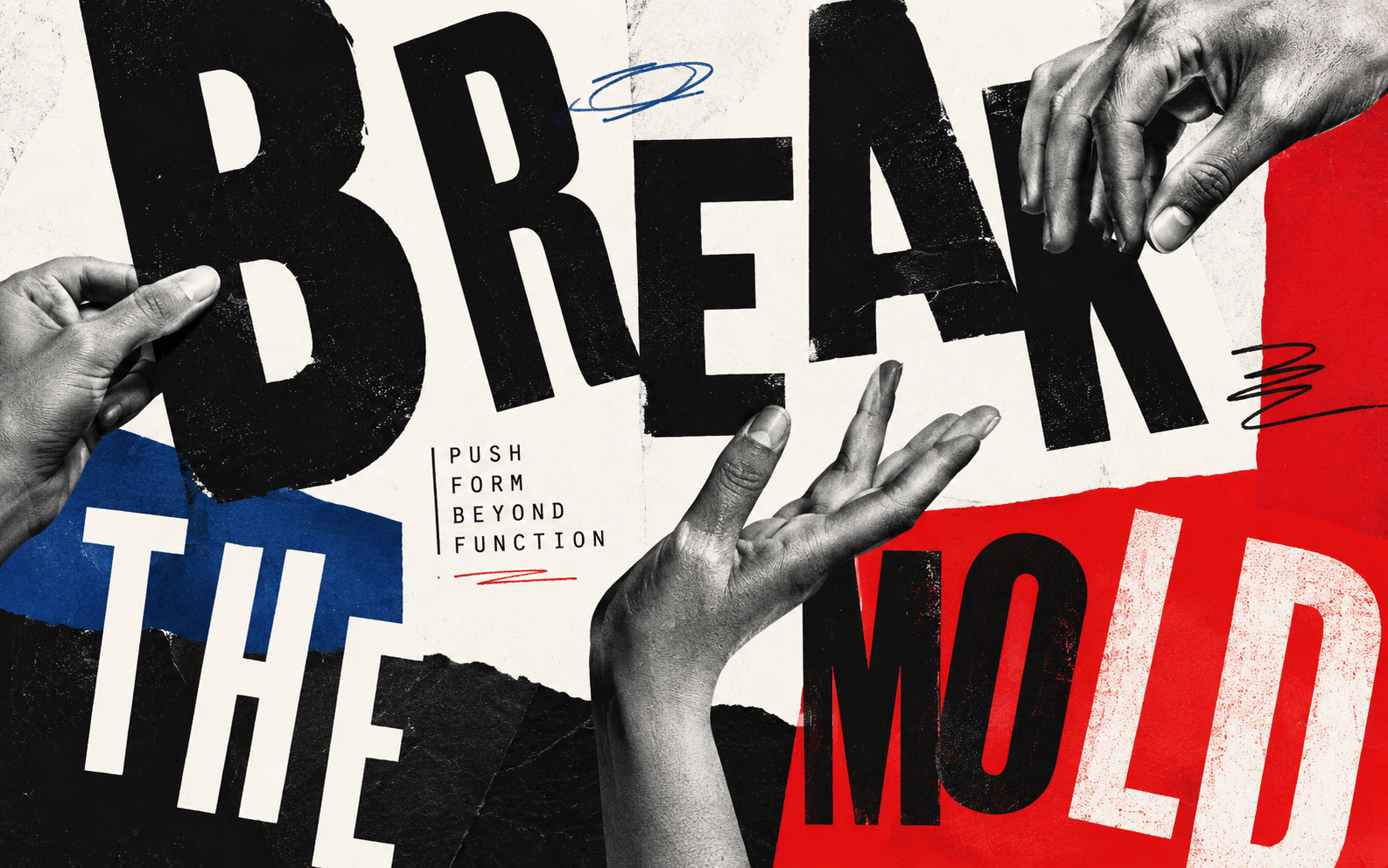
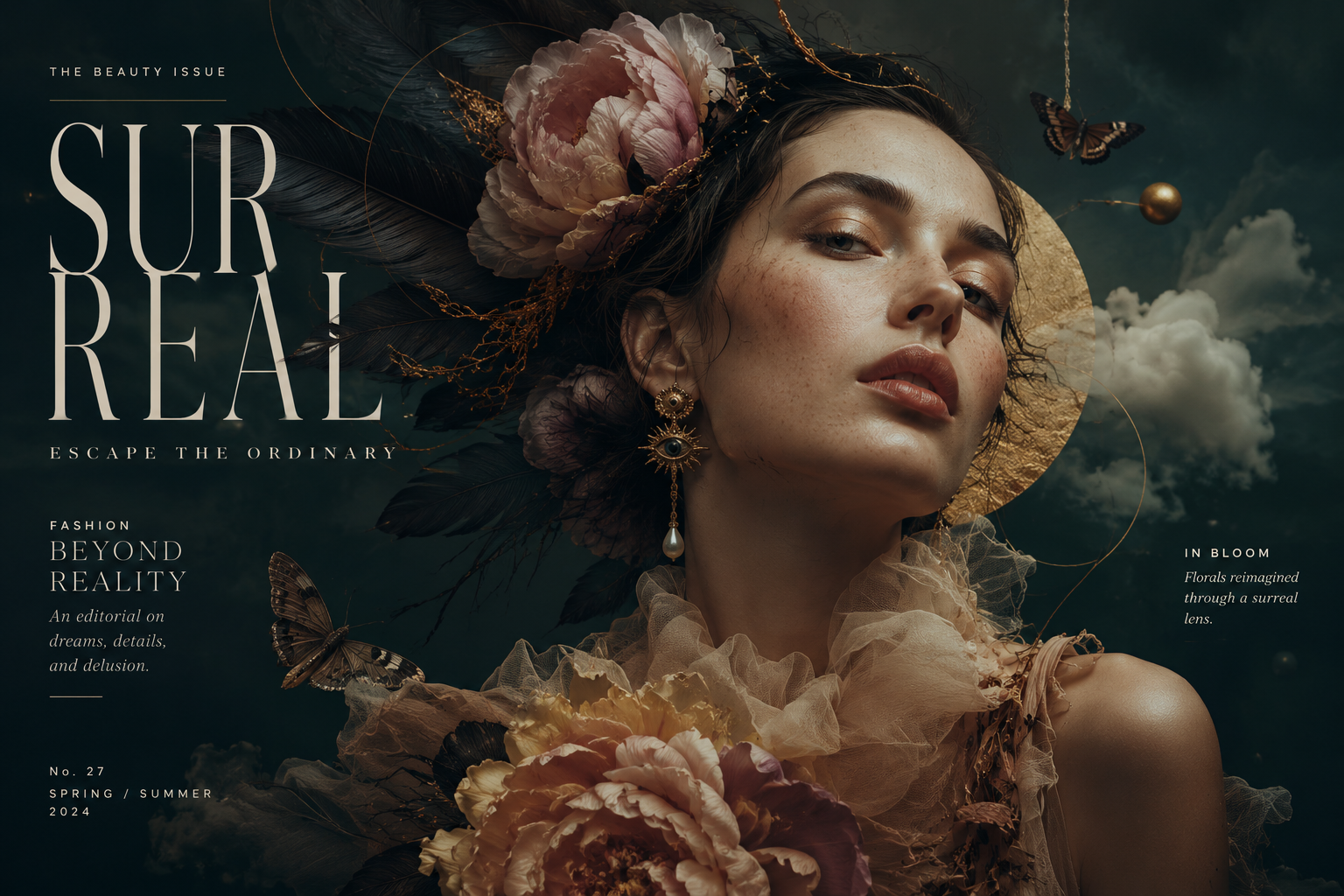
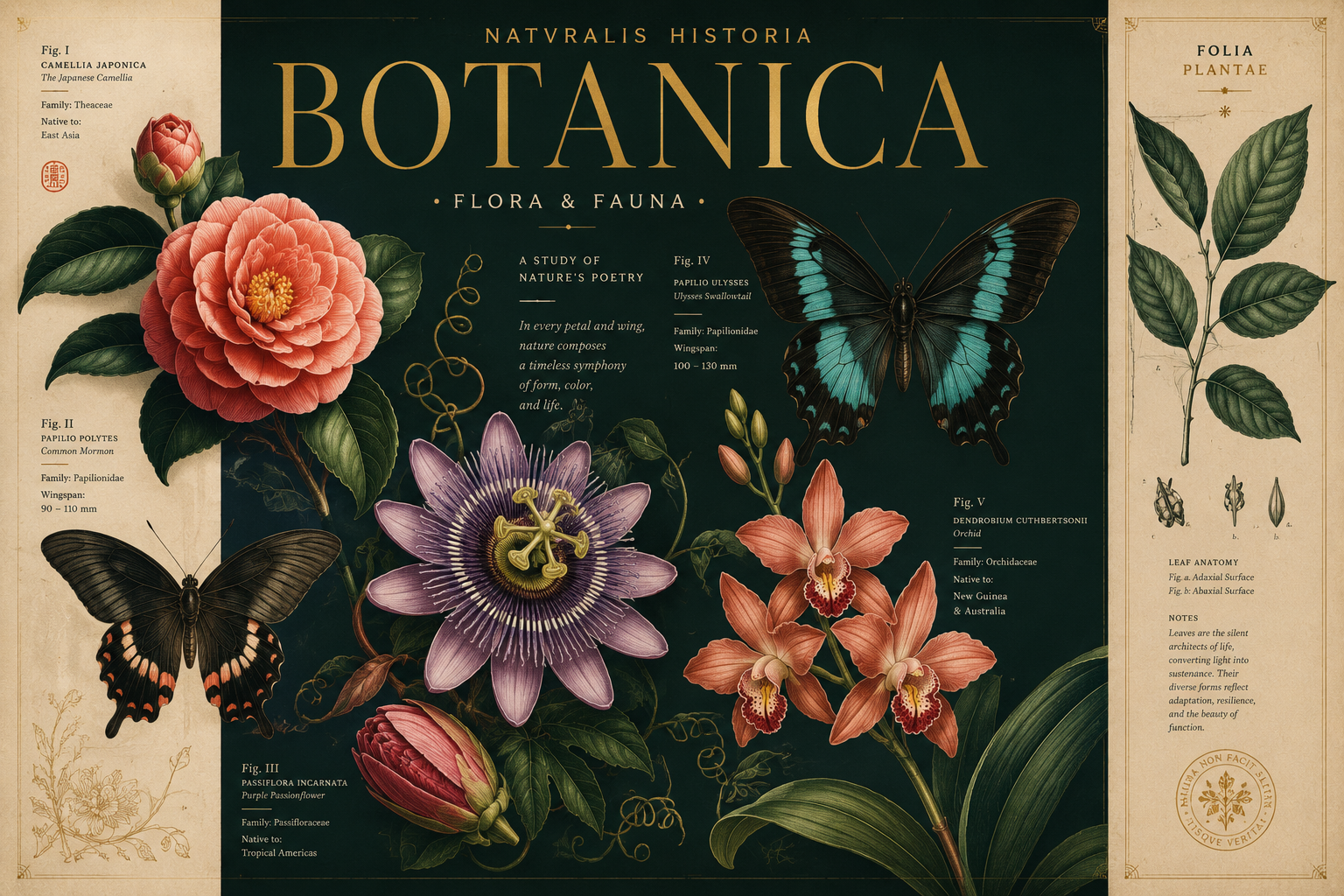
Show enough range to prove the recipe works without making the gallery feel unfocused.
Showcase creator guide
Make galleries people want to save, buy, and reuse.
A strong Showcase gallery is focused, repeatable, well explained, and easy to trust. Use this guide before publishing or when improving an existing share.
The first image becomes the first impression in feeds, previews, and social shares.
Buyers should understand the pattern, variables, and how to adapt it.
Free can build reach. Paid should include a clear recipe, examples, and creator guidance.
Gallery anatomy
Make the value obvious before someone scrolls.
A good listing should answer three questions fast: what is this, can I reuse it, and do I trust the creator's process?
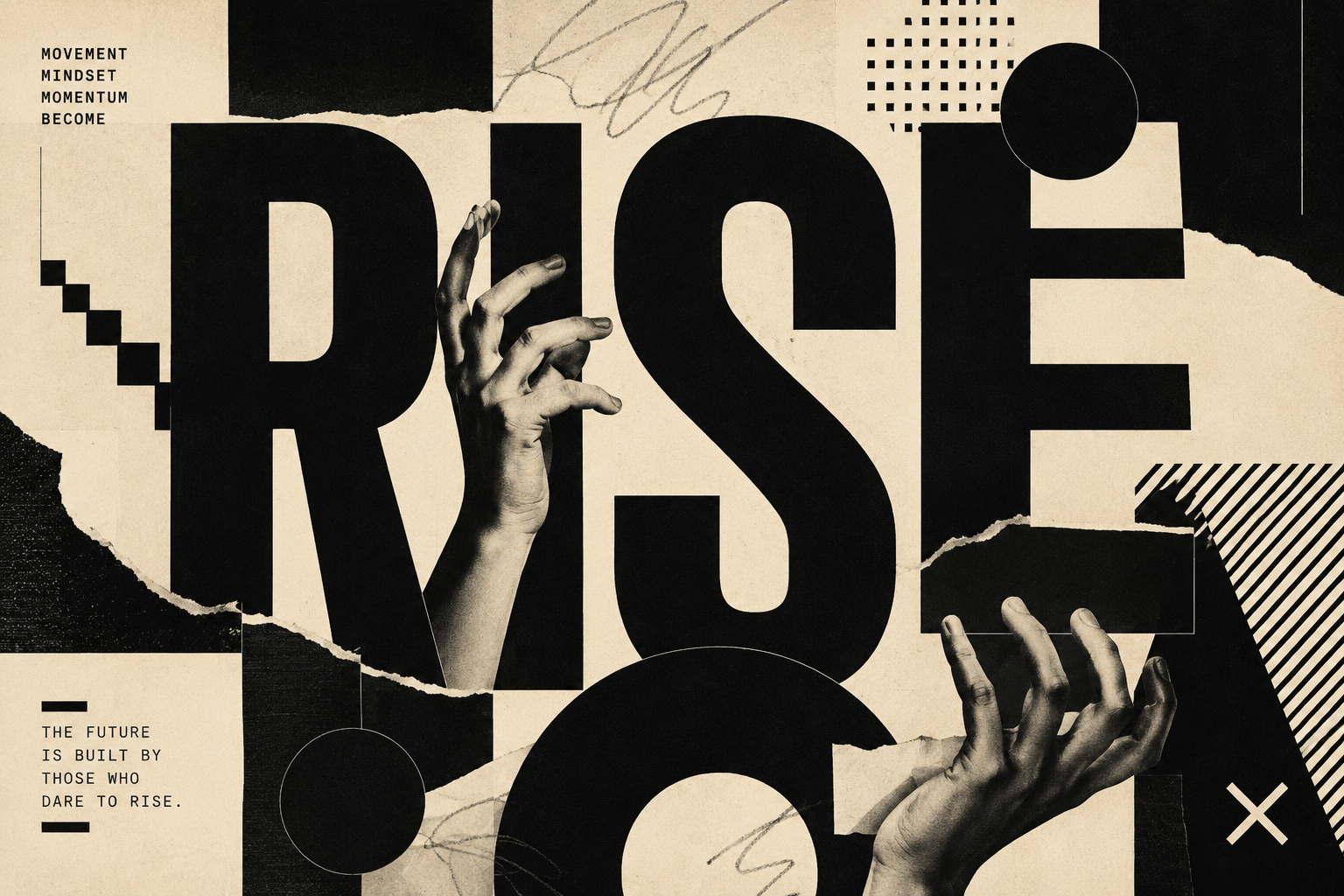 Cover image
 Design & Branding · Posters
Editorial poster recipe for bold campaign art Reusable prompt system for high-contrast typography, product campaigns, and launch graphics. Prompt recipe Subject + layout + typography + palette + lighting + finish
Lead with the image that would make someone stop scrolling.
Name the outcome, not the prompt file.
Explain what the gallery shows and who it helps.
Show the reusable pattern, variables, and important settings.
Use search terms a buyer would actually type.
Weak vs strong
Small wording changes make galleries easier to trust.
Cool AI images
Random images I made in ChatGPT. Prompt included.
Tags: art, image, cool, AI
Retro travel poster recipe for coastal cities
Reusable layout and color system for destination posters, with example city variations and notes for cleaner typography.
Tags: travel poster, vintage, coastal, typography
Publishing decisions
Use enough proof, then price the package honestly.
Image count
1 Quick share Good for free examples or portfolio pieces.
3 Minimum paid Enough to prove the recipe is not a one-off.
4-8 Best range Focused, convincing, and still easy to review.
12+ Only for packs Use when every image supports the same promise.
Pricing
Free Reach Public examples, experiments, and profile building.
$3-5 Simple recipe A useful prompt with a few clean examples.
$7-12 Strong package Repeatable style, notes, and clear variations.
$15+ Deep system Business-use packs or detailed production guidance.
Publishing flow
How to share a stronger gallery.
From a ChatGPT conversation or the Superpower image gallery, select the images that belong together, click Showcase, choose the layout, add the listing details, then publish as free or paid.
- Select one focused set of images.
- Add title, description, creator notes, and prompt recipe.
- Review generated category and tags.
- Choose public or unlisted visibility.
- Set free or paid access, then publish.
Best practices
The details that make a gallery useful.
What to share
Share galleries with a clear repeatable idea: one style, one subject family, one workflow, or one useful visual system. Avoid mixing unrelated experiments in the same gallery.
- Good: a product poster system, mascot style, travel postcard set, UI illustration pack, or consistent portrait recipe.
- Weak: random images that only share the same conversation or model.
- If the gallery is paid, include enough variation to show the buyer what the recipe can produce.
How many images to include
One image can work for a free share, but paid galleries need proof that the prompt recipe is repeatable.
- 3 images is the minimum for paid galleries.
- 4-8 images is usually the best range for a polished listing.
- Up to 20 images is useful for packs, but only when every image supports the same promise.
How to write the prompt recipe
Write the recipe like someone else will run it tomorrow. Keep the core structure, replaceable variables, and important settings easy to spot.
- Explain the reusable pattern, not only the exact prompt you used once.
- Use variables like subject, style, lighting, camera, palette, material, or layout.
- Mention what matters most: aspect ratio, composition, negative instructions, model quirks, and iteration tips.
Creator notes and description
The gallery description sells the result. Creator notes help buyers understand the workflow behind it.
- Gallery description: what the gallery shows, who it is for, and why the style is useful.
- Creator notes: tips, limitations, what you would change next, or how to get better variations.
- Keep both specific. Generic filler makes the listing feel less trustworthy.
How to price
Price based on how reusable and complete the package is. Buyers pay more when the recipe saves time and the examples prove the result.
- Free: use for portfolio pieces, experiments, audience building, or public examples.
- $3-$7: useful single recipes with a few strong examples.
- $8-$19+: stronger packs, business-use concepts, consistent style systems, or detailed guidance.
Categories and tags
Showcase can generate category, subcategory, and tags automatically from the gallery content so your work is discoverable faster.
- Creators can edit category, subcategory, and tags later from the Showcase account page.
- Use tags for concrete visual intent: poster, mascot, product mockup, cinematic, flat icon, animal portrait.
- Avoid broad tags that do not help search, like image, AI, good, cool, or art.
Editing and unpublishing
Your account page is the control center for shared galleries. Use it to fix titles, descriptions, categories, tags, visibility, and pricing when allowed.
- Open Showcase account, go to Shares, then use the gallery action menu.
- Unpublish hides a gallery from public discovery. Existing buyers should keep access to downloads they already purchased.
- For paid galleries with purchases, some fields may be locked to protect buyer expectations.
Analytics, downloads, and payouts
Use the account page to see what is working, return to downloads, review sales, and request payouts after earnings become available.
- Downloads tab: revisit paid purchases and free downloads.
- Analytics tab: track views, likes, downloads, followers, and sales over time.
- Sales tab: connect Stripe, see available and pending balances, and request payouts after the availability window.
Before publishing
A quick quality check.
Run through this list when a gallery feels close, but not quite ready.
The title names the actual outcome. The first image is the strongest example. The gallery has enough variation to prove repeatability. The recipe explains variables and settings. The description says who the gallery helps. Tags are specific enough for search. The price matches the depth of the package.
Account workflow
Where to manage everything after publishing.
Edit or unpublish Open Shares to update metadata, visibility, pricing when allowed, or unpublish a gallery. Access downloads Use Downloads to return to purchases and free downloads from one place. Review analytics Track views, likes, downloads, followers, and sales trends. Request payouts Connect Stripe, monitor balances, and request eligible payouts.
FAQ
Creator questions.
Should I make a gallery free or paid?
Use free galleries when you want reach, profile building, or a public example. Use paid galleries when the prompt recipe, examples, and notes are complete enough to save a buyer real time.
Can I edit a gallery after publishing?
Yes. Go to Showcase account, open the Shares tab, and use the gallery action menu. Some paid-gallery fields may be limited after purchases so buyers keep access to what they bought.
Are unlisted galleries visible on my public profile?
No. Unlisted galleries are intended for link-only sharing and should stay out of public discovery surfaces.
How do payouts work?
Connect Stripe from the Sales tab. Eligible earnings become available after the purchase availability window, then you can request payout from your Showcase account.
Next step
Improve one gallery today.
Start with the title, first image, recipe clarity, and tags. Those four changes usually improve discovery and buyer trust fastest.