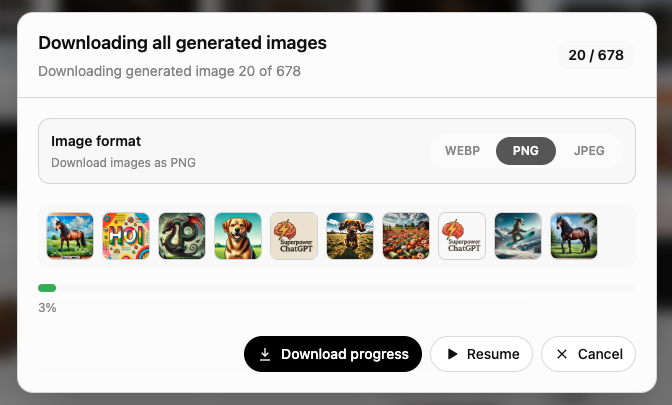
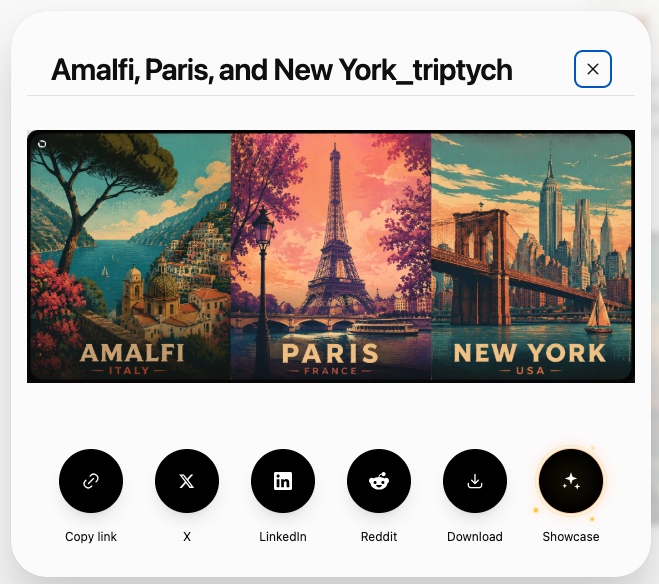
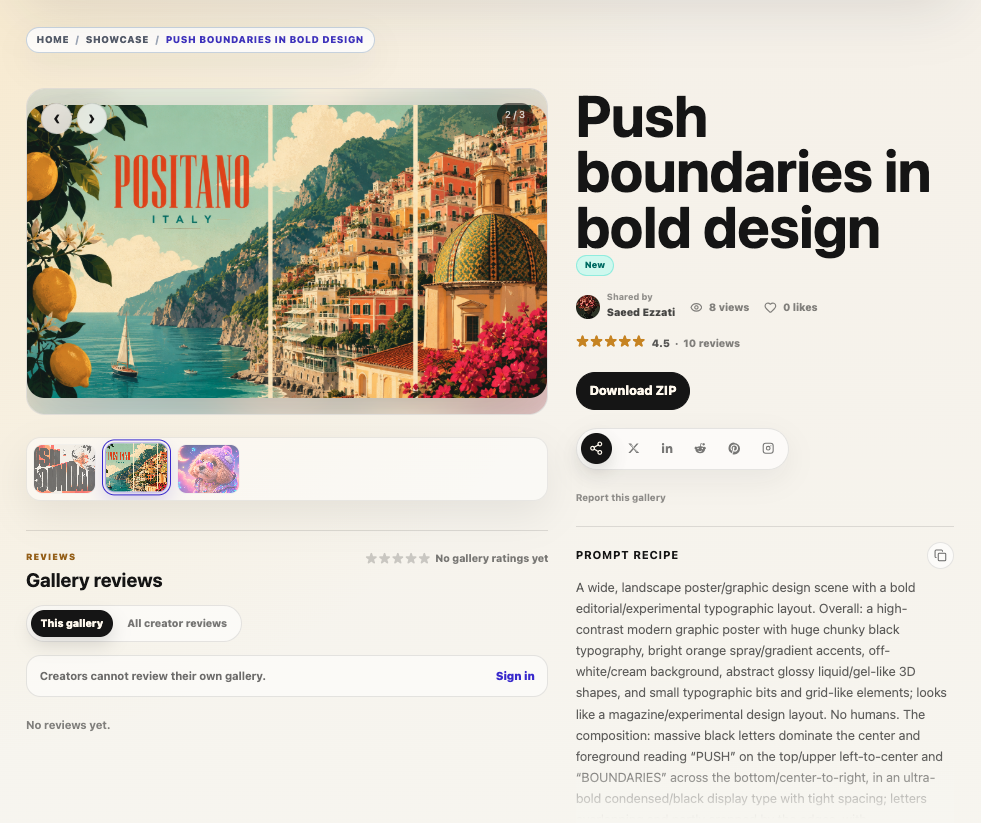
Version 8.3.1 introduces Showcase, a new way to turn ChatGPT images into shareable public pages. Instead of only
copying a basic ChatGPT image link, you can now publish one image or a full image gallery with richer context, cleaner
presentation, creator notes, prompt details, and optional paid access.
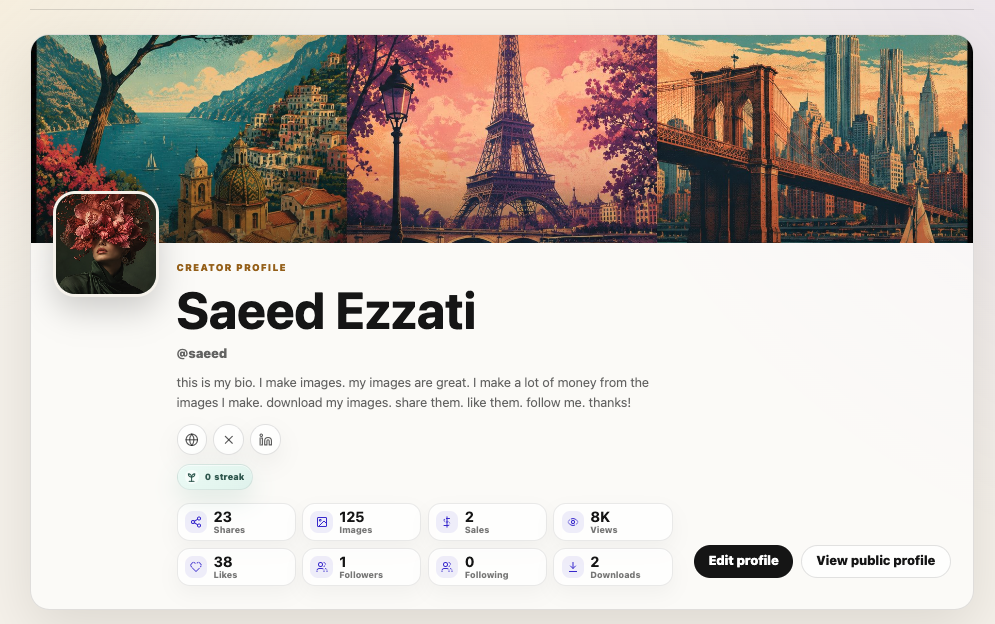
Showcase is built for creators who want their ChatGPT images to be easier to share, discover, revisit, and reuse. You
can collect related images into one page, describe what the gallery is about, include a reusable prompt recipe, and
give viewers a better experience for browsing, downloading, and learning from the images you created.
For free shares, Showcase gives you a polished image page with title, description, notes, and gallery layouts. For
paid shares, you can sell access to the reusable prompt recipe and original download, with seller onboarding built
into the flow. It is the first step toward a creator-focused sharing platform for AI images made with ChatGPT.
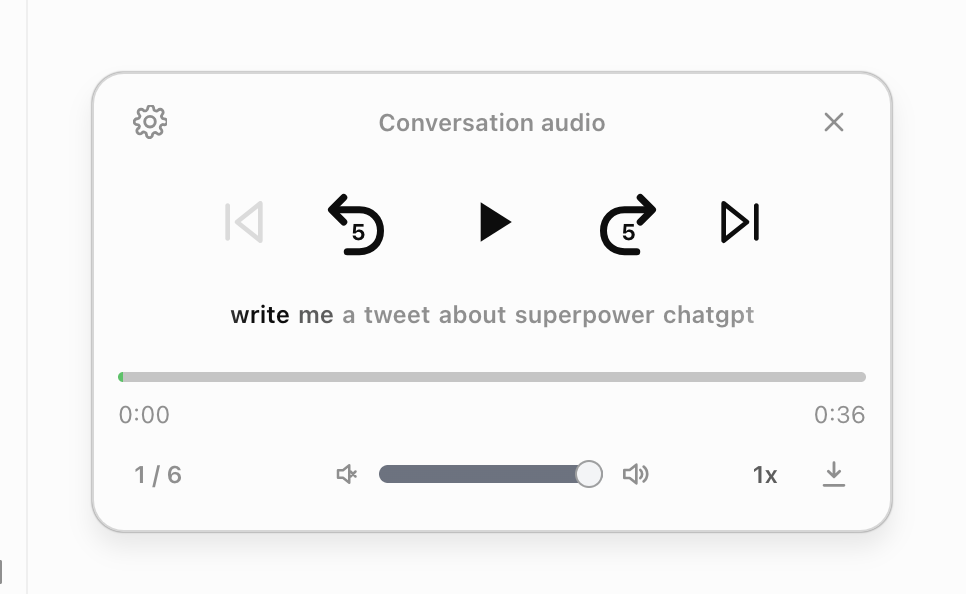
This version also adds improvements to long PDF exports, and upgrades conversation audio playback with better language
handling and more control.
New: Showcase image sharing
- Added a new Showcase sharing flow for ChatGPT images and gallery images.
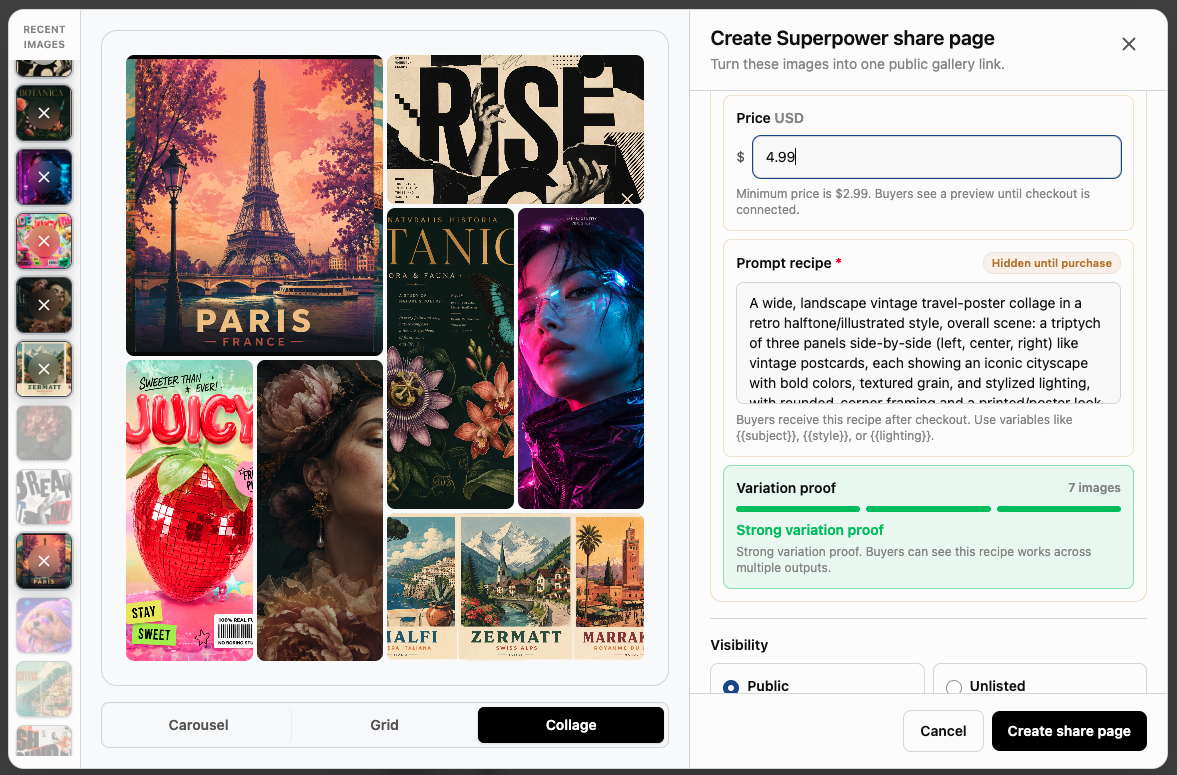
- Create share pages from one image or multiple images.
- Add a title, gallery description, creator notes, and reusable prompt recipe.
- Use recent ChatGPT gallery images directly from the Showcase composer.
- Added support for paid Showcase shares.
- Paid shares can include a reusable prompt recipe and original download access.
- Added seller onboarding guidance for paid shares.
- Improved the paid/free and public/unlisted controls so they are easier to understand.
- Added recipe confidence messaging for paid galleries.
Image gallery improvements
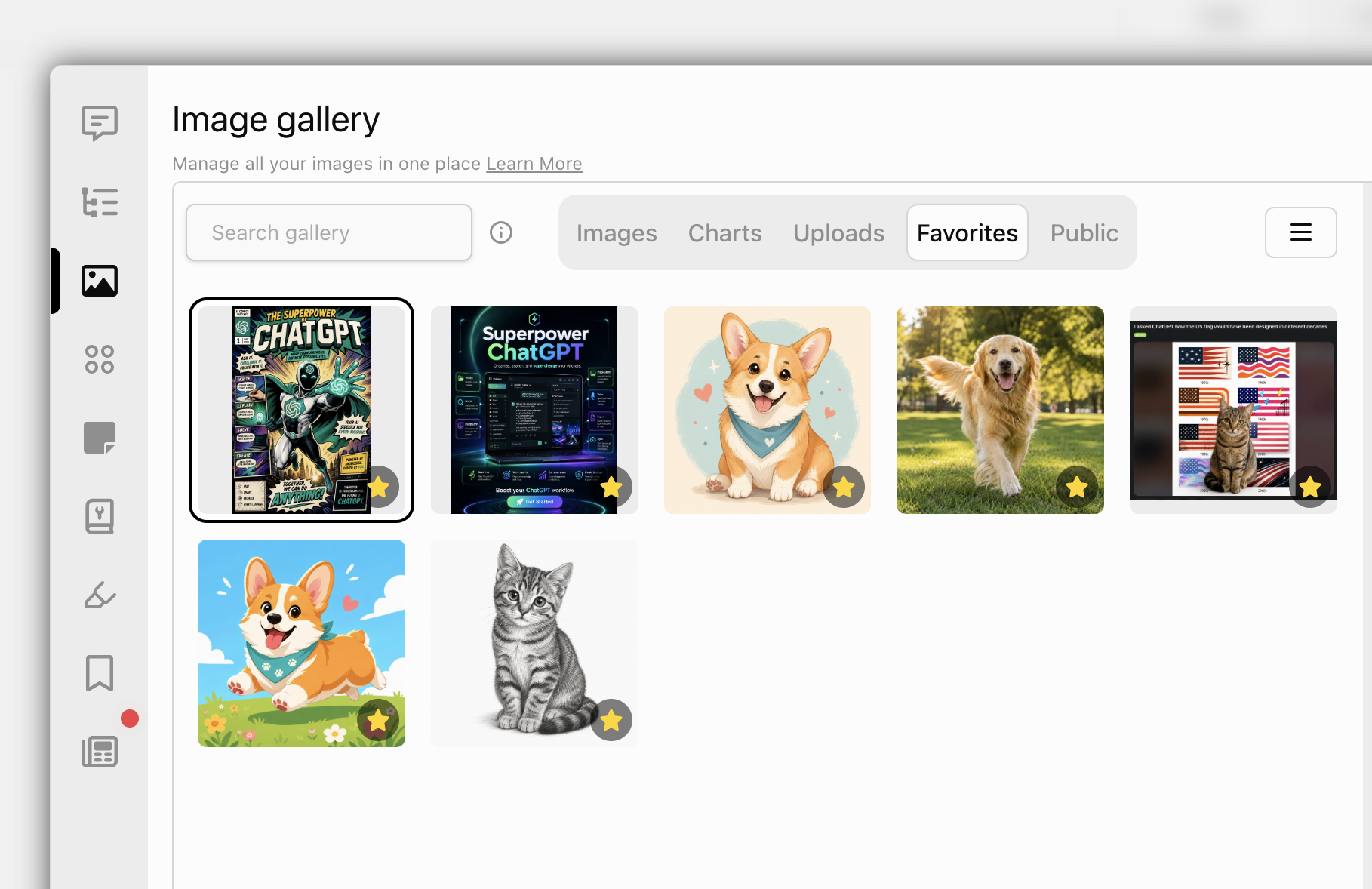
- Improved gallery favorite actions with clearer labels.
- Made favorite actions contextual based on the current gallery tab.
- Removed the old Public gallery tab and related public-gallery actions.
PDF export improvements
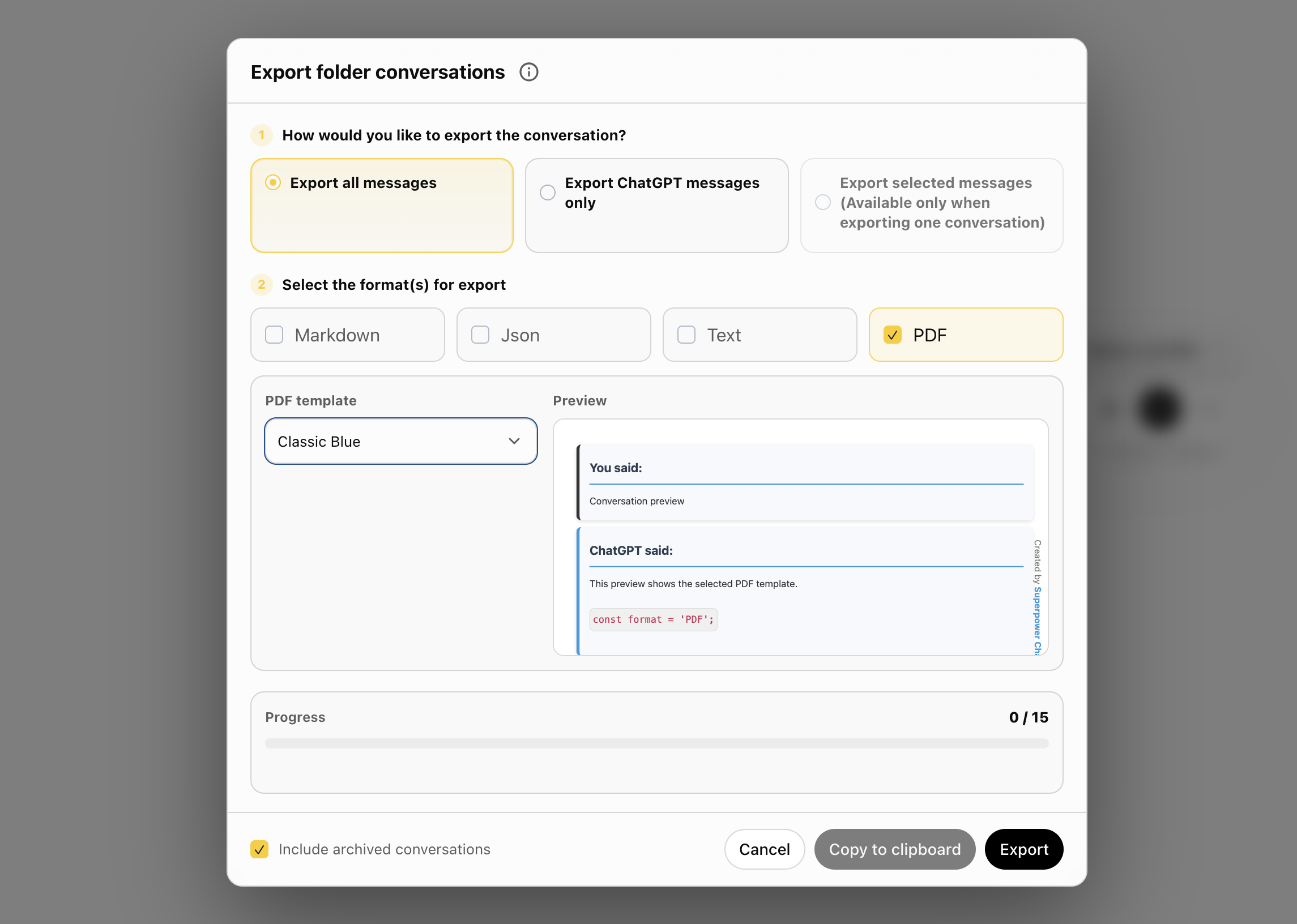
- Added chunking for long conversation PDF exports.
- Improved long PDF rendering to reduce blank space between exported messages.
- Added clearer PDF export progress messaging for long exports.
- Improved PDF print preview rendering so pages appear incrementally.
- Added a Save as PDF option to conversation menus.
- Remembered export format and PDF template preferences.
Conversation audio improvements
- Added user message language selection with Auto detect.
- Improved multilingual TTS handling for user messages.
- Added an option to skip user messages during conversation audio playback.
- Added a player button to quickly toggle skipping user messages on or off.
- Improved conversation audio download reliability.
Polish and fixes
- Fixed RTL assistant metadata layout so timestamps and counters no longer overlap action buttons.
- Made archived conversations easier to recognize in sidebar and manager search results with a faded card style and archive indicator.