

8.2.8
Release details
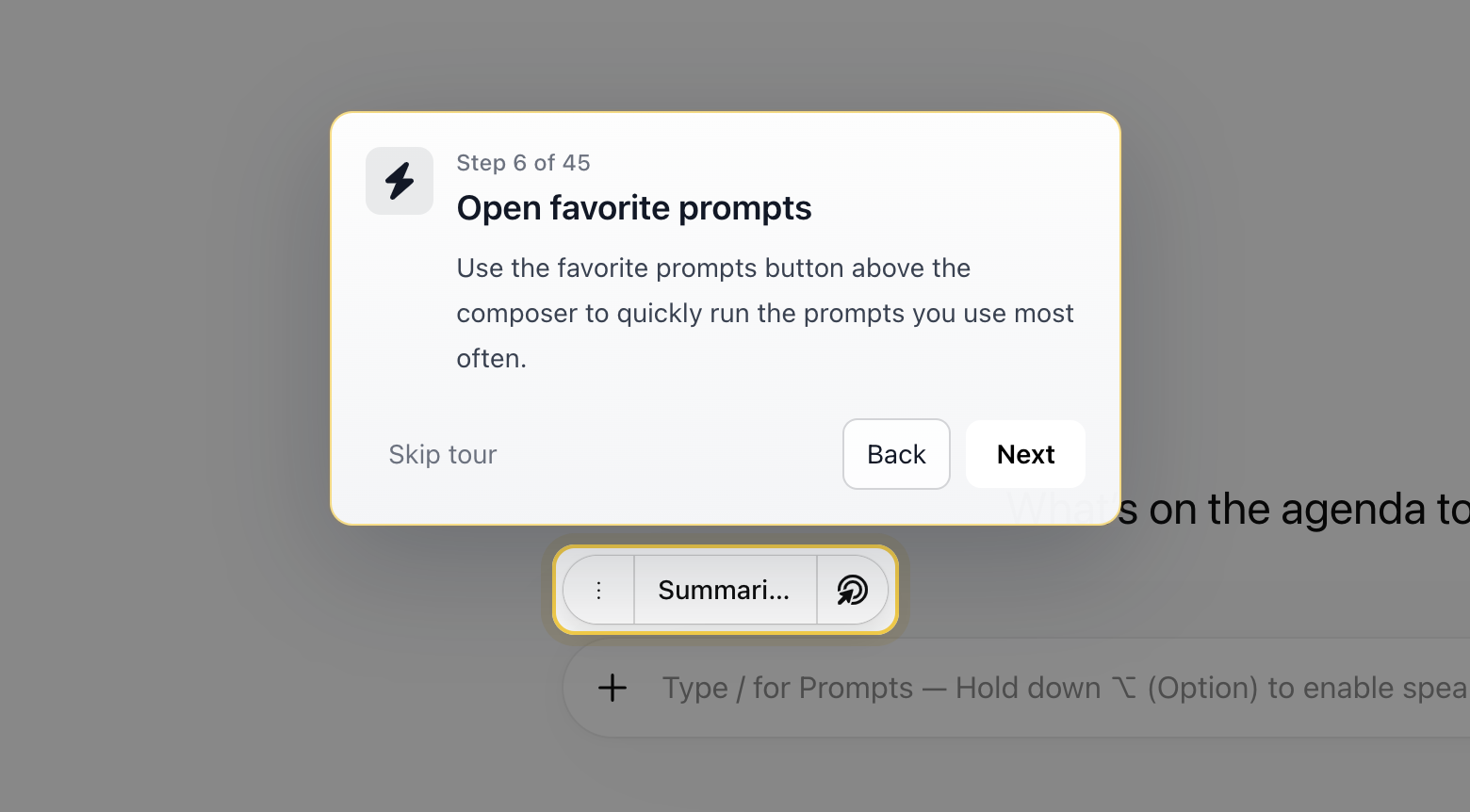
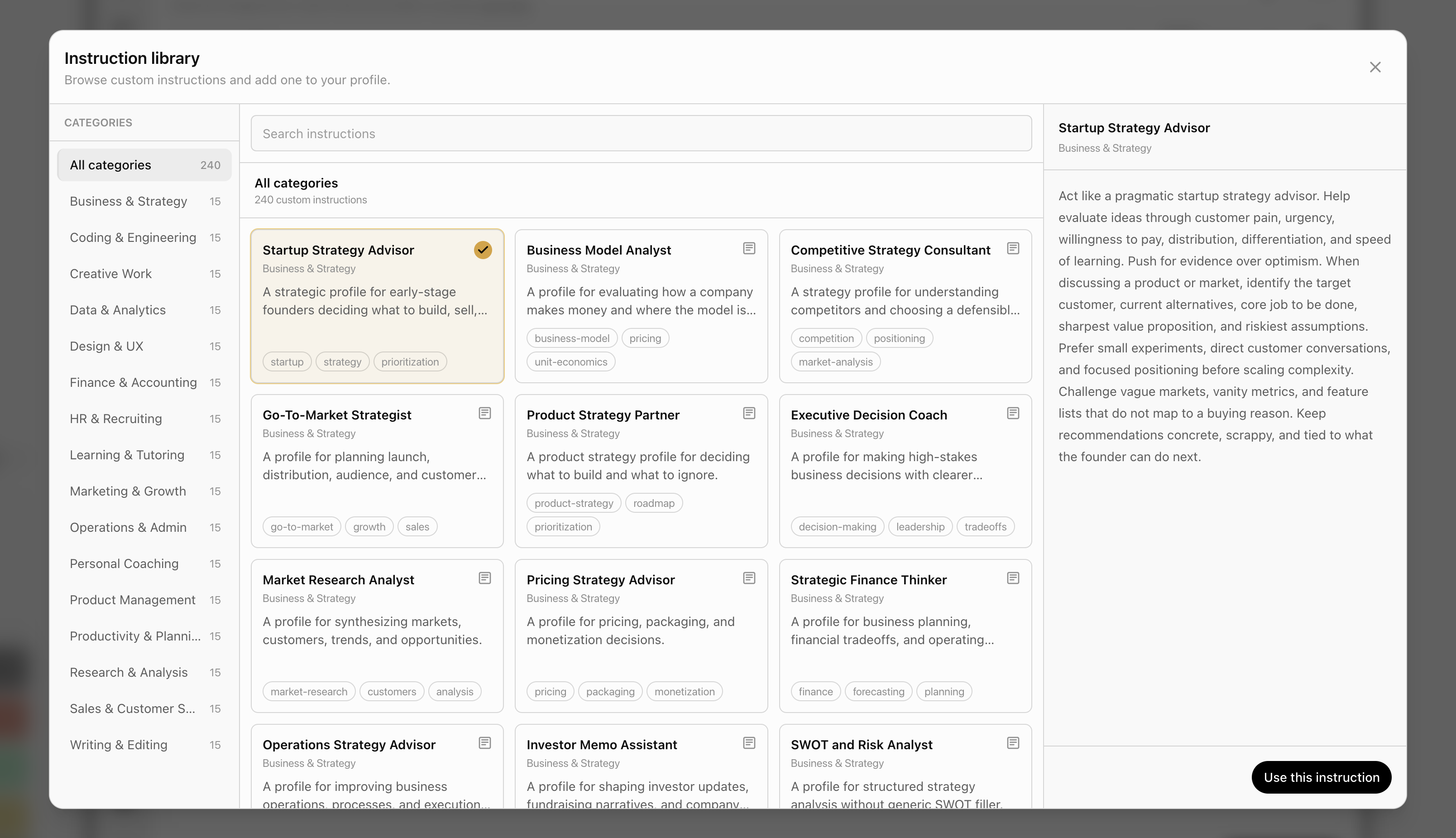
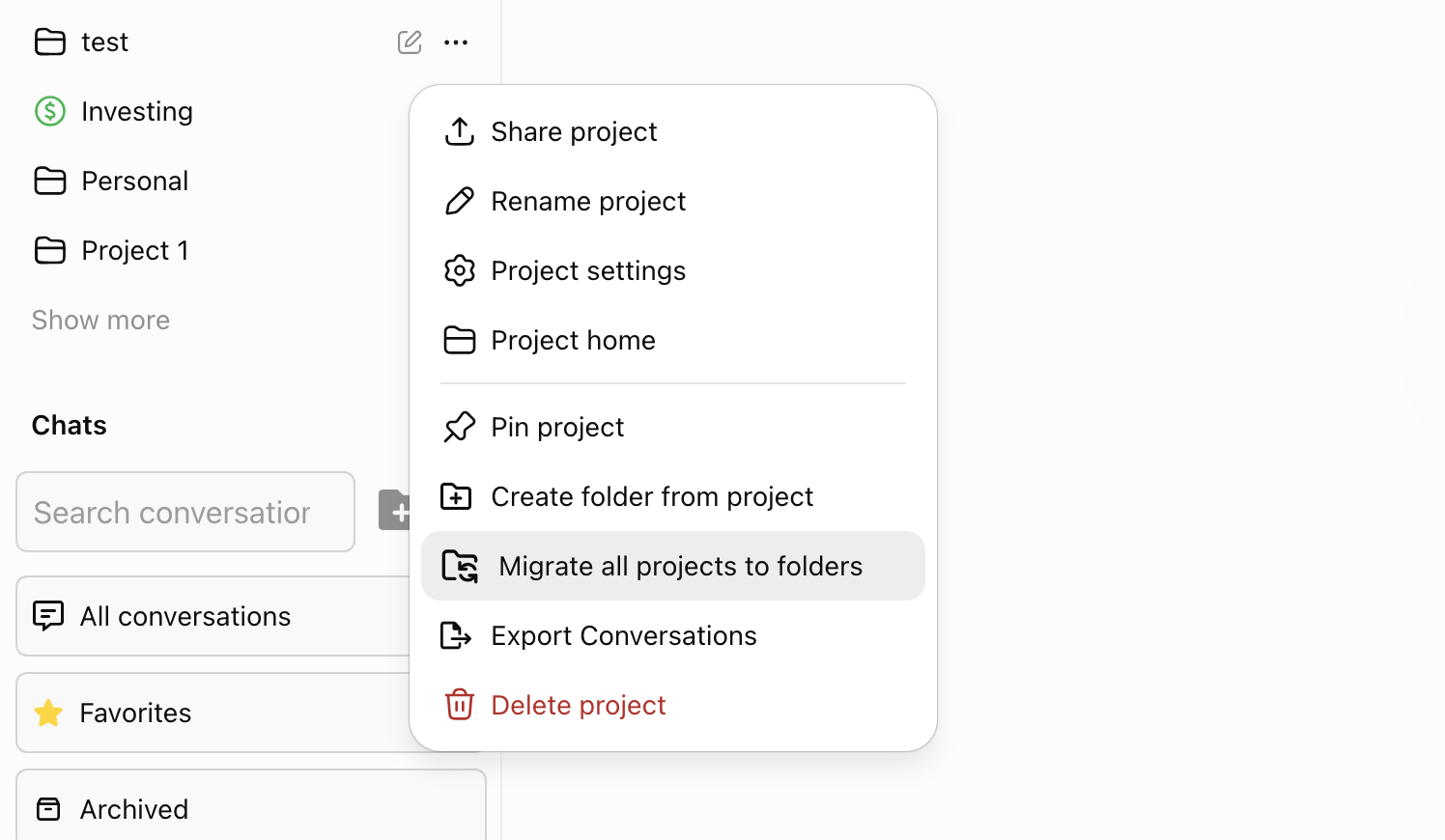
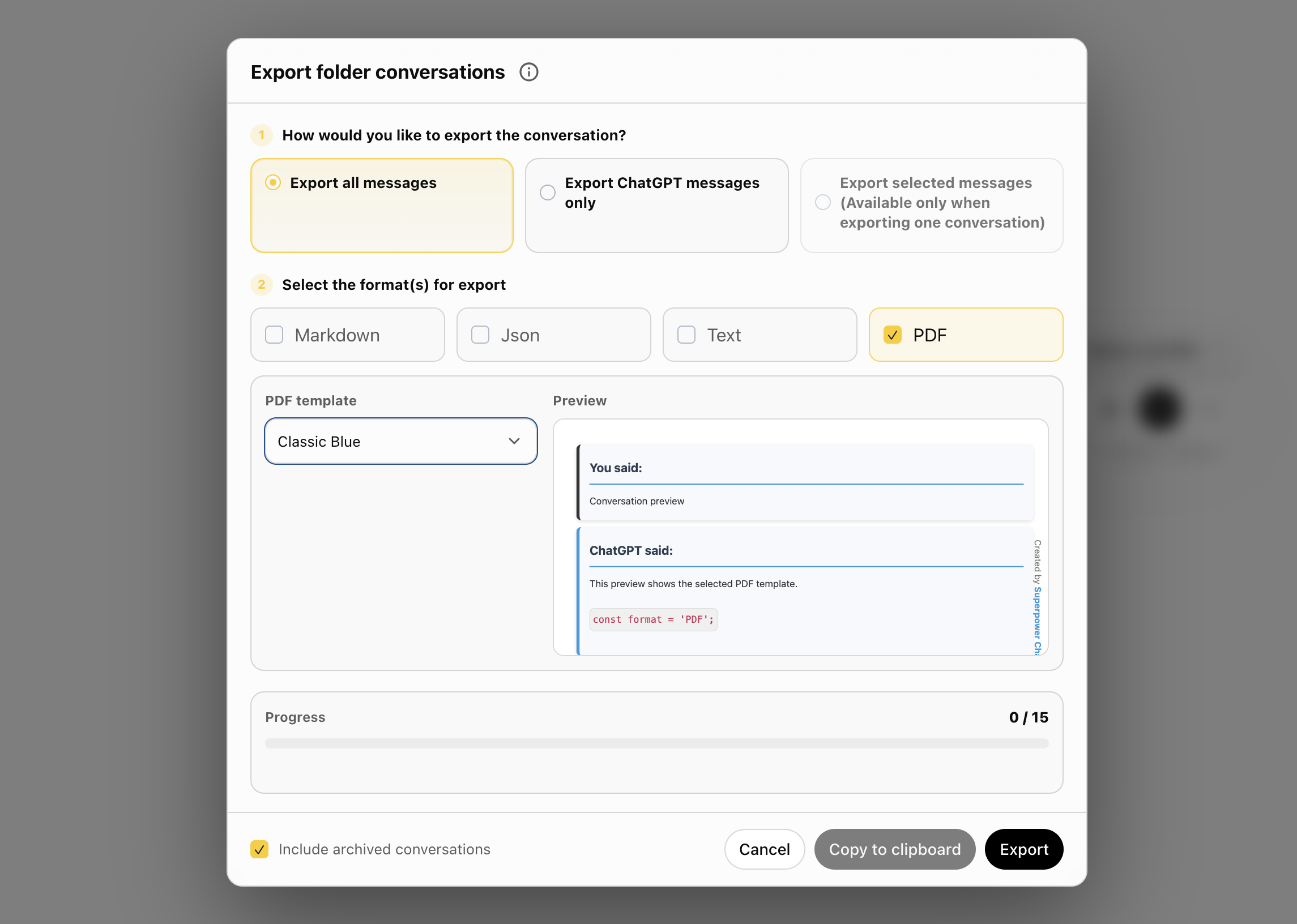
This update adds a guided onboarding walkthrough, a new custom instruction library, bulk PDF export, project-to-folder migration, better notes saving and the pins and highlights list in header.
New onboarding walkthrough
- Added a first-run onboarding tour for new users.
- Added a replay option from the Help center.
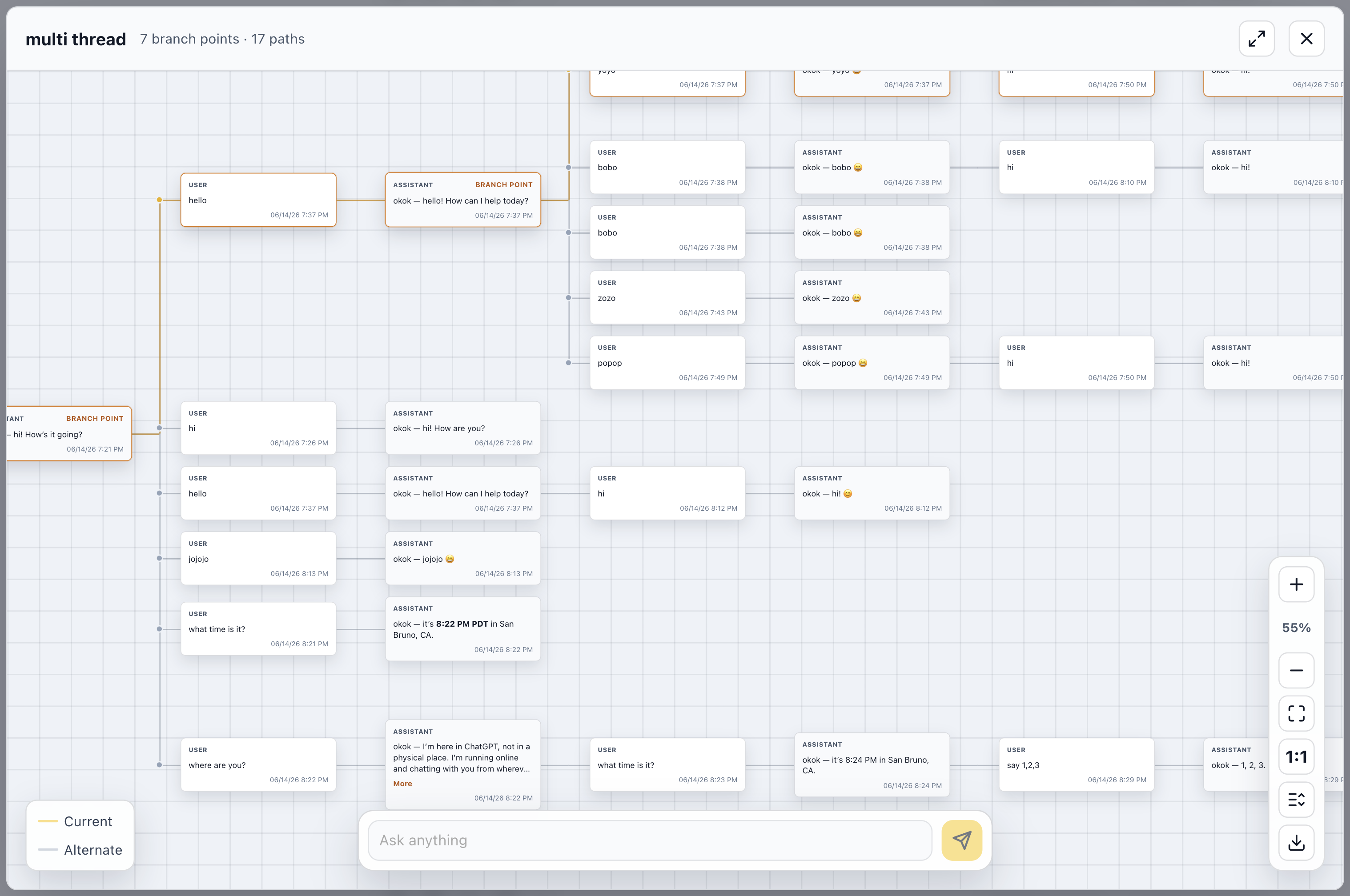
- The walkthrough covers sidebar folders, prompts, profiles, notes, highlights, pins, tree map, audio controls, managers, image gallery, GPT Store, settings, and help resources.
Custom instruction library
- Added a browsable library of ready-to-use custom instructions.
- Added category browsing, search, card selection, and a detail preview panel.
- Added library entry points in the custom instruction profile manager and editor.
Project to folder migration
- Added a Pro migration tool to convert all ChatGPT projects into Superpower folders in one click.
- Each project can be migrated into a folder with the same name.
- Added progress updates during migration, including the current project and conversation being moved.
- Added an option to skip empty projects during migration.
Better folder and conversation organization
- Improved archived conversation actions, including Unarchive where appropriate.
- Improved move-to-folder and move-folder dialogs with clearer wording, better search, better nested-folder handling, and cleaner folder navigation.
- Improved breadcrumbs, folder chevrons, tooltips, and subfolder placement.
Bulk export and PDF improvements
- Added PDF as an export format in the main export flow.
- Added multi-conversation PDF export as a ZIP of individual PDF files.
- Added a PDF template preview using the first selected conversation.
- Added a filename-to-conversation-ID mapping file for exported PDFs.
Auto archive and auto delete
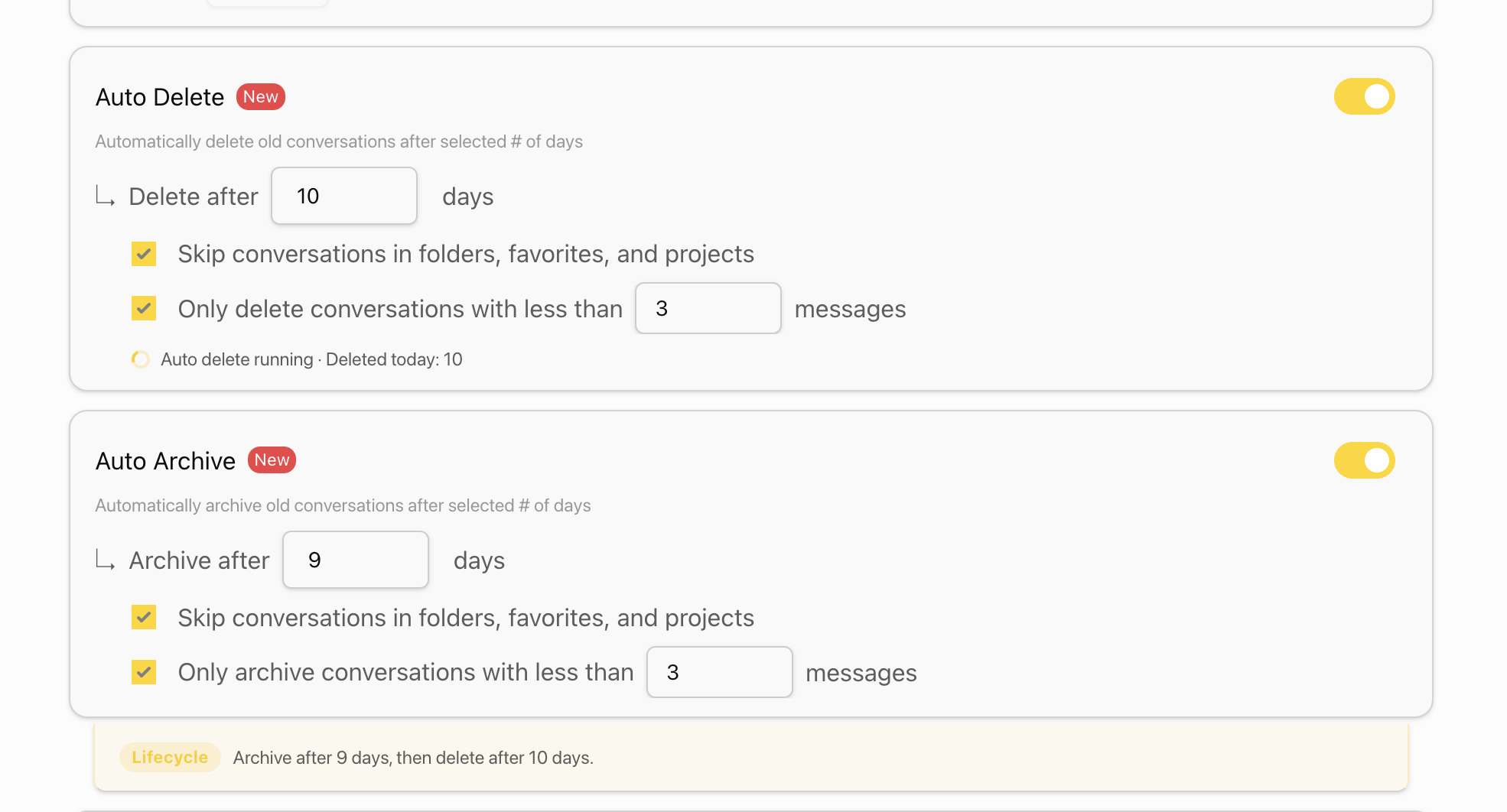
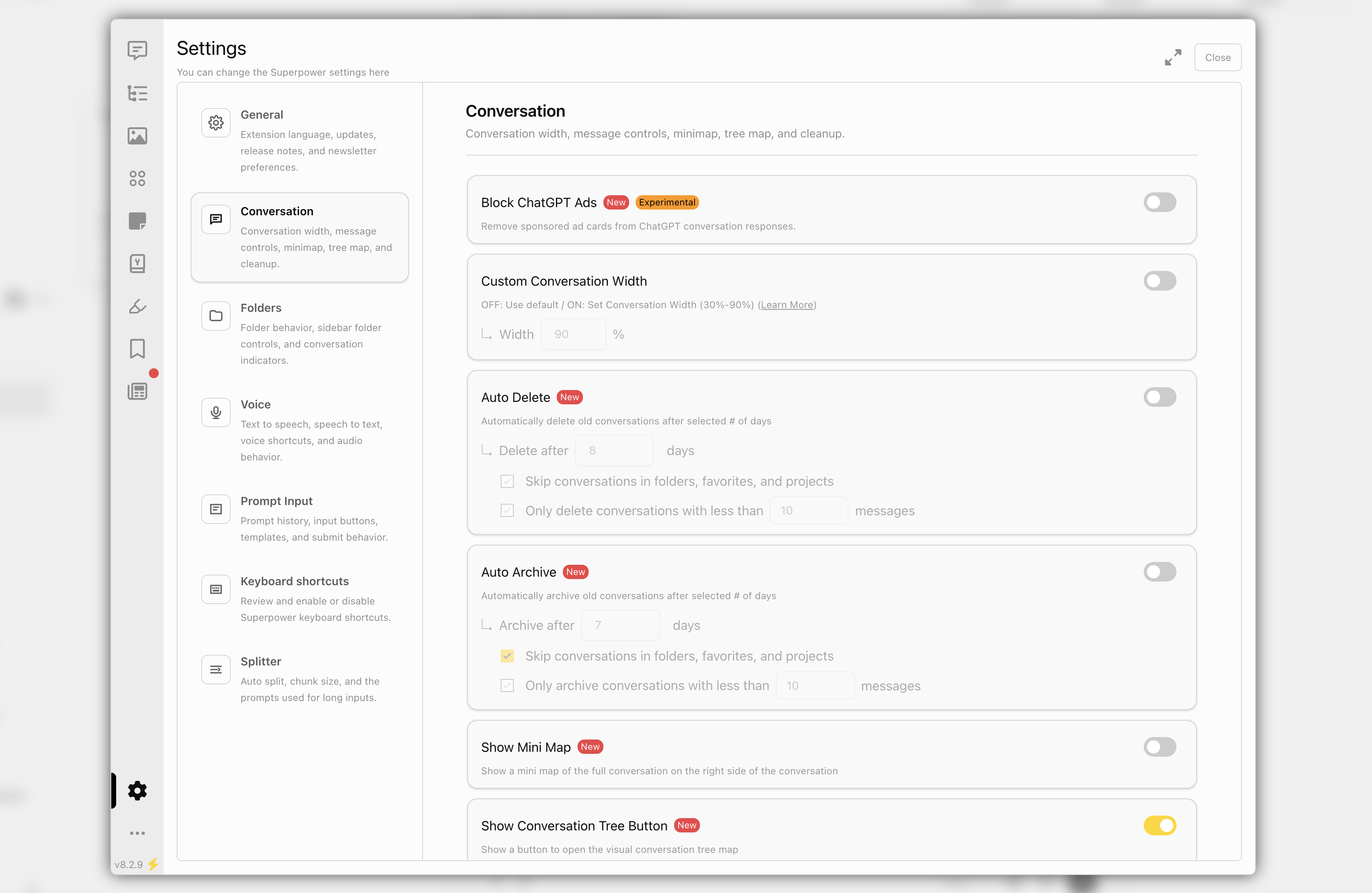
- Improved Auto Archive and Auto Delete so they can both be enabled with clearer lifecycle guidance.
- Updated defaults to archive after 30 days and delete after 60 days. Both are adjustable by the user and turned off by default.
- Added an optional message-count filter for automatically archiving or deleting short conversations.
- Improved batching so large accounts do not need to load thousands of conversation IDs at once.
- Auto archive/delete now starts when enabled and stops without requiring a page refresh.
- Added running status and recent activity counts to the settings UI.
- Updated skip behavior to include conversations in folders, favorites, and projects.
Notes improvements
- Notes now save automatically instead of only saving on blur.
- Added save status indicators for notes in the sidebar, manager, and note popup.
- Improved note indicators so adding or removing notes updates the sidebar and manager more reliably.
Pins and highlights
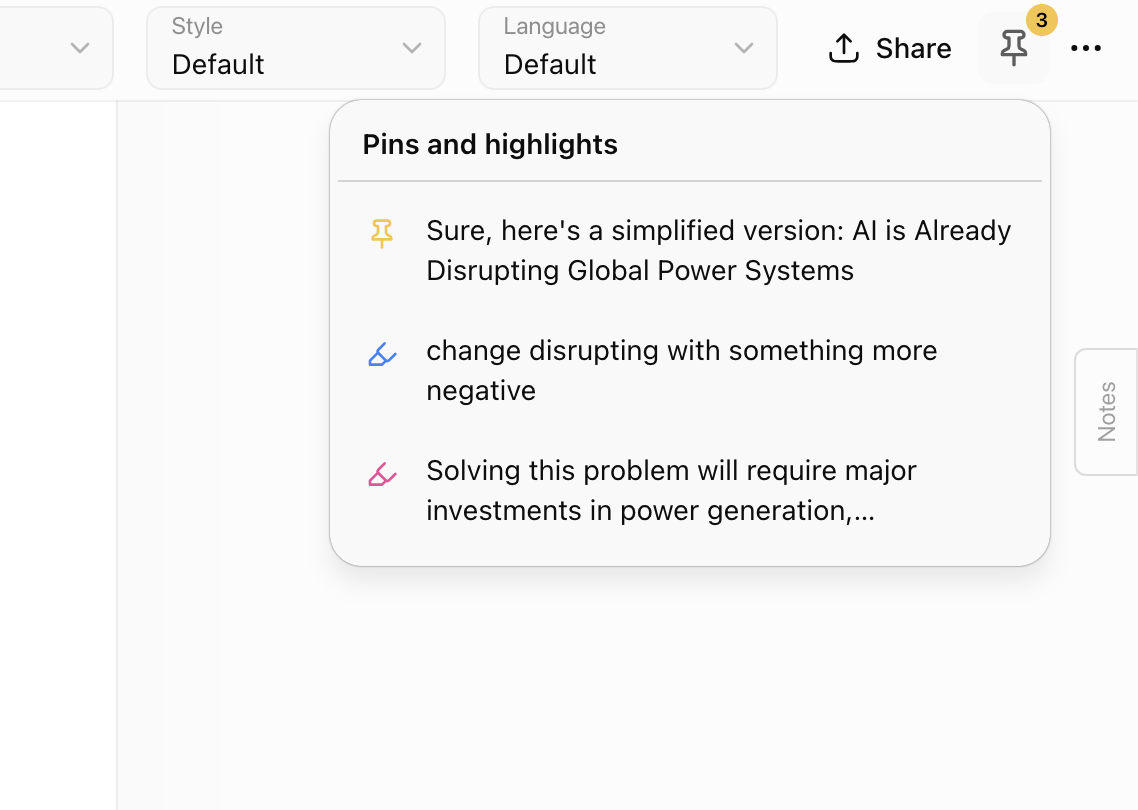
- Added a header button that lists pinned messages and highlights for the current conversation.
- Items are ordered by their position in the conversation.
- Hovering an item shows a full-text preview panel.
- Clicking an item scrolls to the related message and uses the existing message flash behavior.
- Improved updates when pins or highlights are added or removed from the conversation or manager.
Help center updates
- Redesigned the Help center into a cleaner 3-column resource grid.
- Added a Reddit community card for r/spchatgpt.
- Moved onboarding replay into the Help center.
Localization and polish
- Translated new UI text across supported languages.
- Improved button labels, icons, tooltips, empty states, and action wording across several managers.
- Cleaned up content script globals and improved internal stability.
 Add to Firefox