

8.2.6
Release details
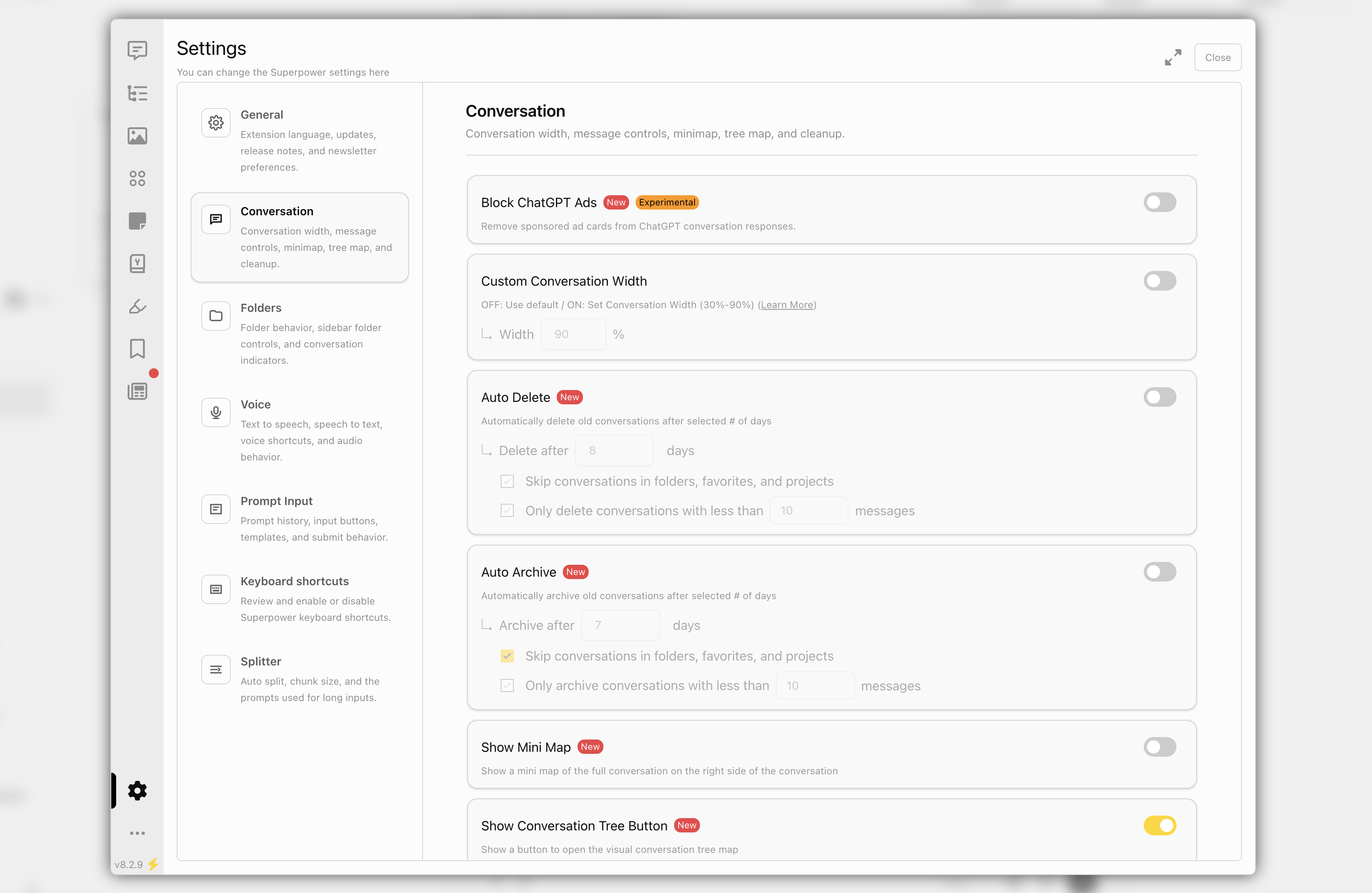
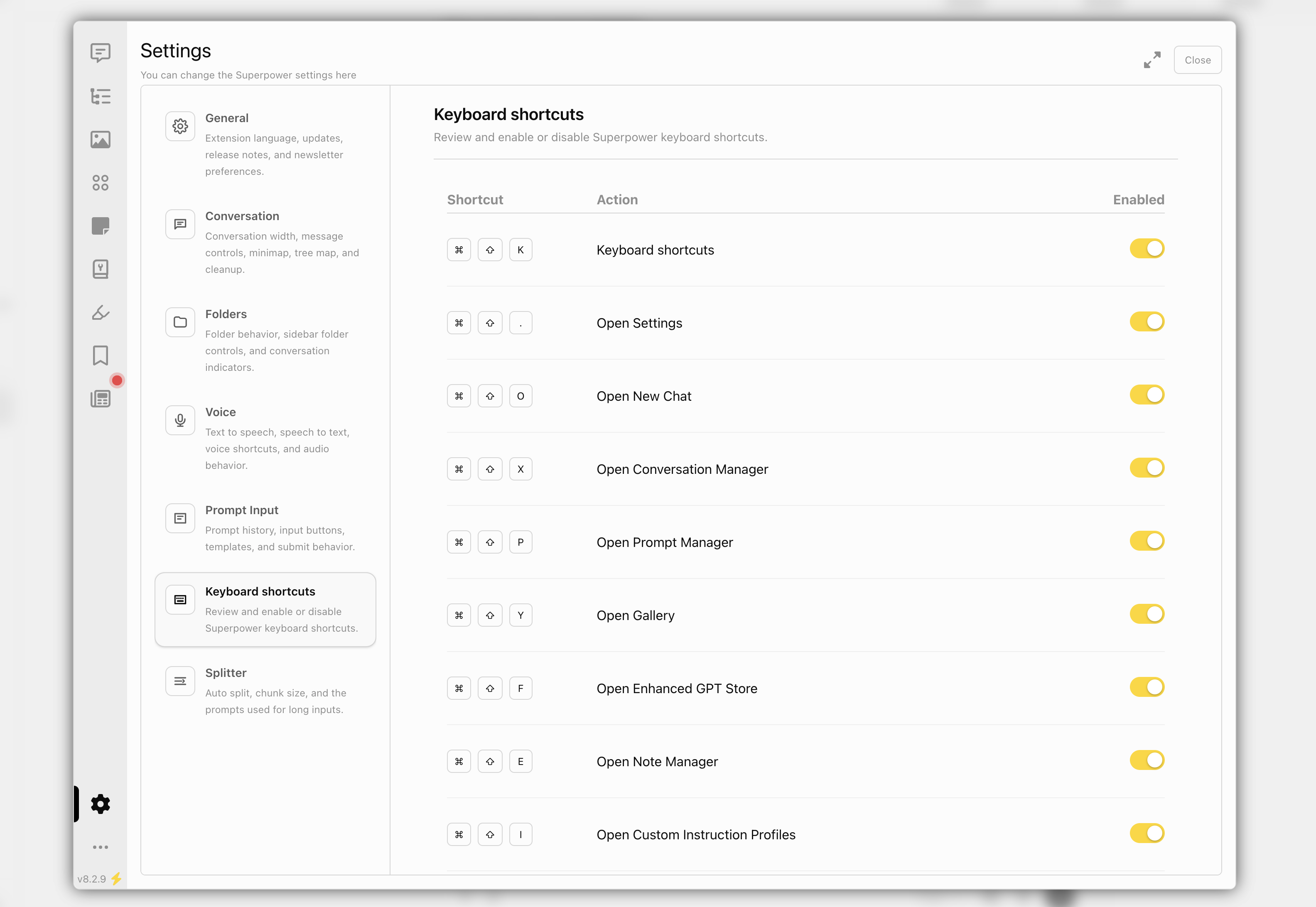
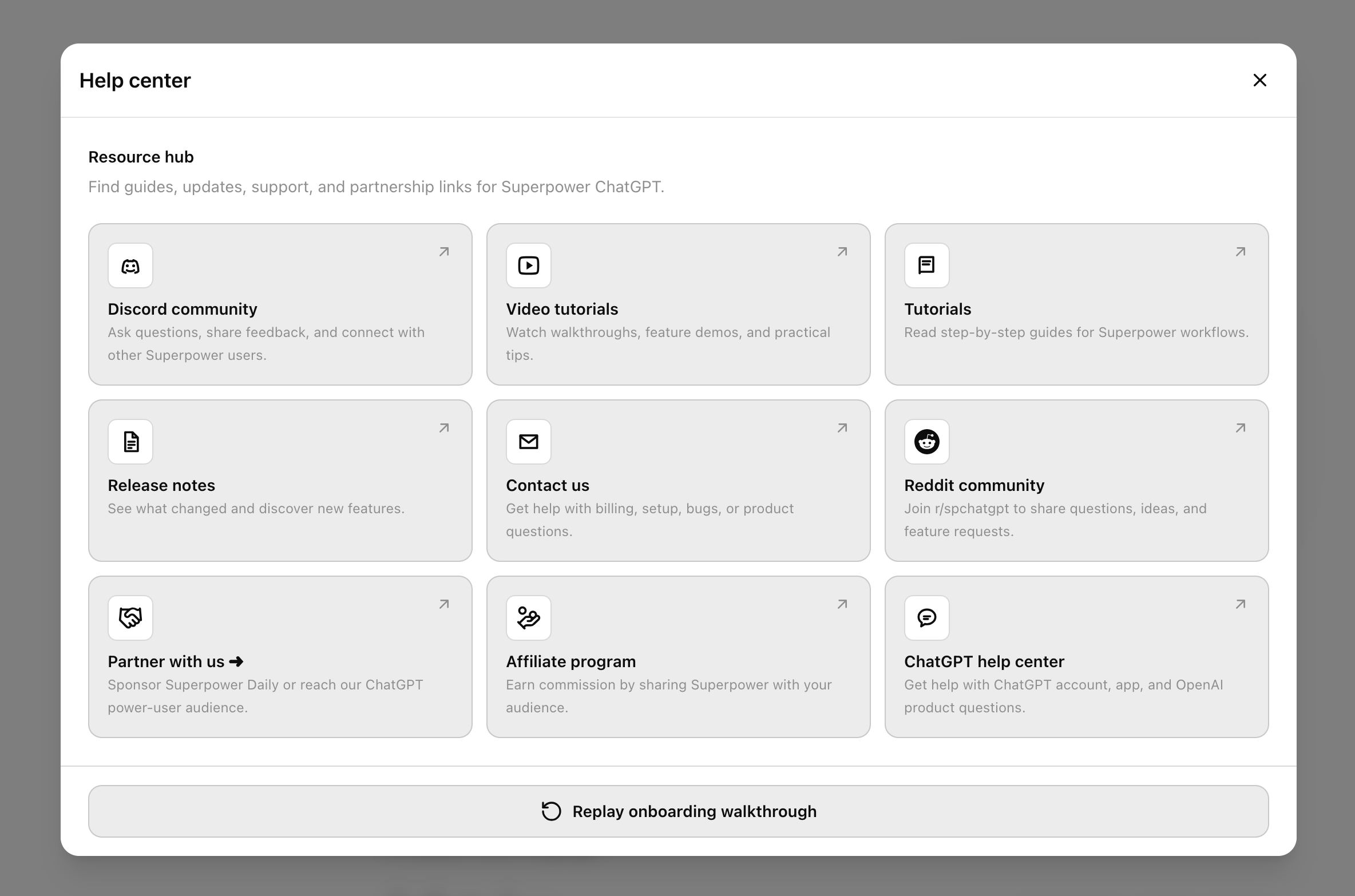
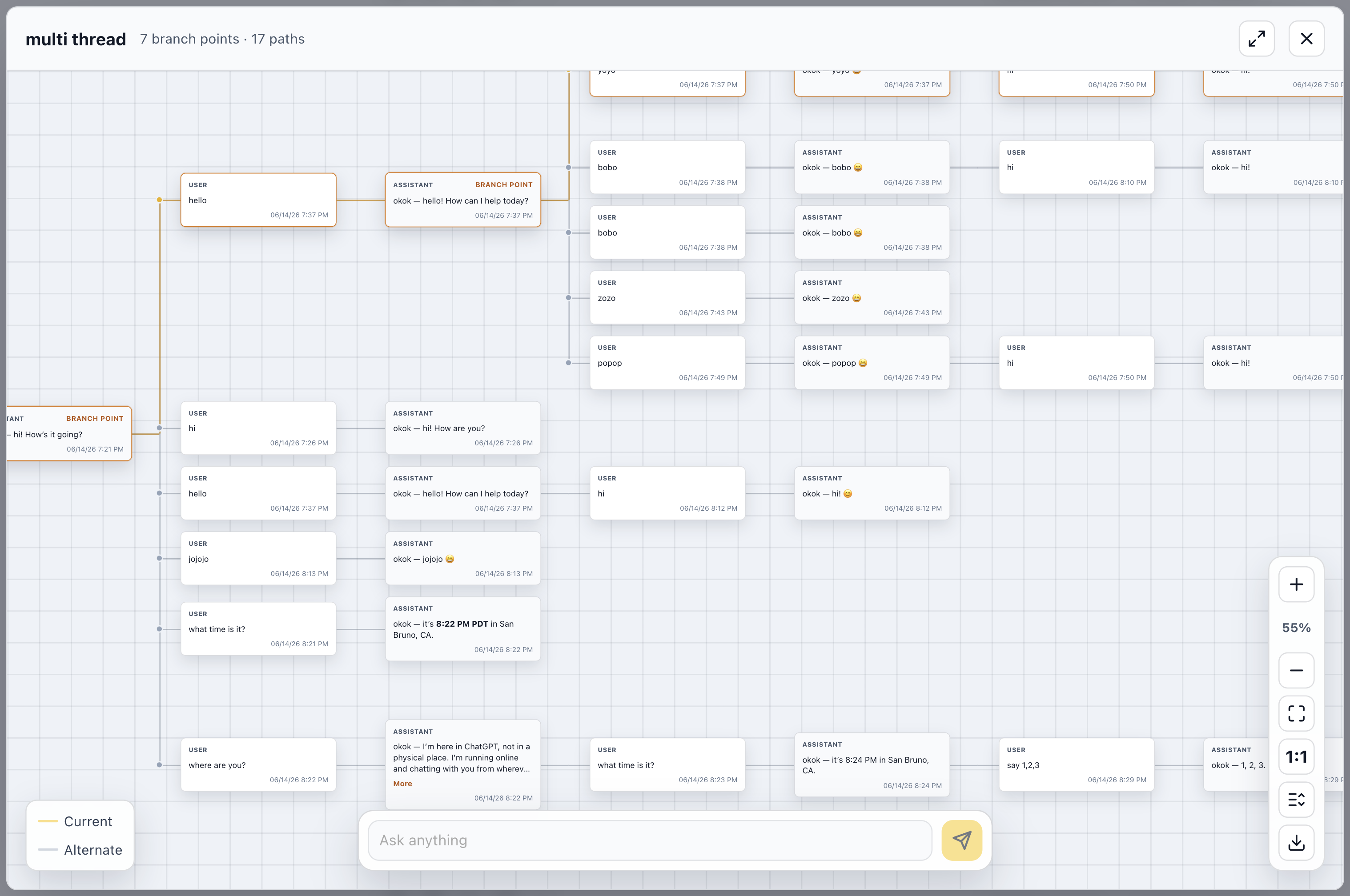
This update adds new ways to access Superpower across ChatGPT and other websites, introduces full conversation audio playback, and improves the Manager, settings, help, newsletter, and highlight preview experience.
New
- Added a Superpower side panel for quickly accessing your prompts on other websites.
- Added a full conversation audio player that can read an entire chat aloud with playback controls, speed, volume, progress, transcript, and download options.
- Added audio settings for conversation playback, including assistant voice, user voice, transcript visibility, pause length between messages, and auto-scroll behavior.
- Added support for replaying and downloading audio from ChatGPT voice conversations.
- Moved the Settings to a dedicated tab inside Manager with a cleaner section-based layout.
- Moved keyboard shortcuts into Manager settings.
- Added a help button to the ChatGPT sidebar controls.
Improved
- Redesigned the Help popup with clearer resource cards.
- Improved Manager settings layout and responsiveness across smaller screens.
- Improved audio player UI, dragging, saved position, saved speed/volume, and light/dark mode styling.
- Improved highlight manager previews so selected highlights are visible and stay highlighted inside the preview.
Fixed
- Fixed highlight previews opening the wrong conversation branch in some cases.
- Fixed preview highlights briefly appearing and then disappearing.
- Fixed ChatGPT audio synthesis streaming issues.
- Fixed audio fallback behavior when ChatGPT read-aloud audio is unavailable.
- Fixed voice conversation audio replay/download using the proper audio file endpoint.
- Fixed cases where the audio player did not update correctly after switching or starting conversations.
- Reduced CORS preflight risk for downloads.
 Add to Firefox