

Release details
Add timestamp to the exported file.
This helps with better sorting when using the "Export All" feature
Slow down "Export All"
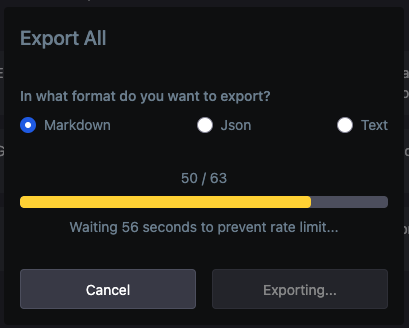
To prevent getting rate limited by the server. ChatGPT doesn't allow more than 60 requests per minute. To overcome this limitation, the Export All feature will download your chats in batches of 50 with a 60-second break between each batch. This will slow down the Export All feature, but it will prevent you from getting rate limited by the server.
Add timestamp to chats.
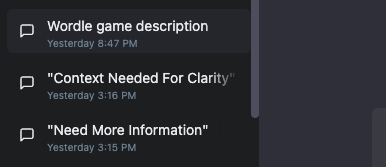
Many people were asking for this. You can now see a timestamp on each chat. The timestamp shows the date and time the chat was created.
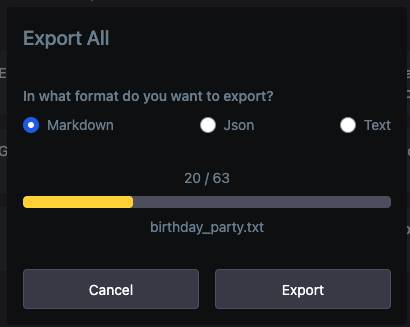
Show filename in export all dialog
Fixed the bug where the new chat was not being exported
P.S. I've recently done a deep dive into the ChatGPT minified JS code and posted my findings here. Check it out for the list of potential upcoming features to ChatGPT.
If you enjoy using this extension, please consider leaving us a review on Chrome Web Store.
 Add to Firefox