

Release details
Improve the up/down arrow navigation
The up/down arrow now circles the input history only if the arrow is at the beginning/end of the current prompt
Add a setting to disable prompt rotation
You can now completely disable the "prompt rotation using the arrow keys" feature. Just go to Settings and disable this feature.

Improve export button performance.
Some users were reporting the export button was misplaced or goes away before they could click on it. Now, if you want the export menu to stay there, just click on the export button. To make it go away, you can click anywhere outside of it.
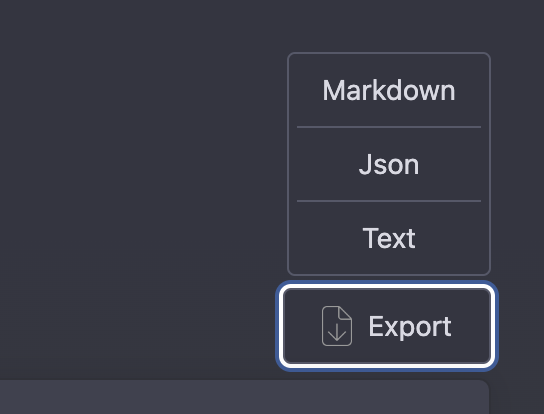
Fix for continue/export button going away
After the Jan 9th update from OpenAI, the "continue" and "export" buttons were something missing from the page. This should fix that.
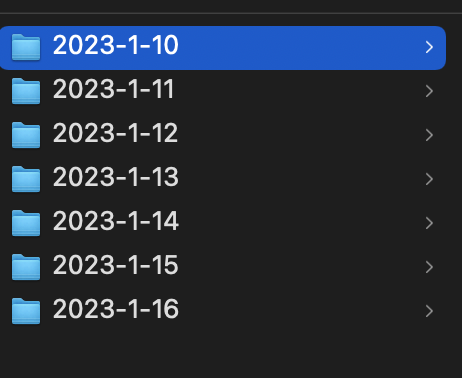
Group exported files by folder for each date
The "Export All" feature will now save the files in different folders based on the date. This should make it easier to locate your old chats.
Improve JSON export
The JSON export now follows the exact format as ChatGPT API response. This means if you have multiple threads in one conversation, all those threads will be saved in the JSON format. This format would also make it easier to import these files back to ChatGPT if an import feature gets added in the future.
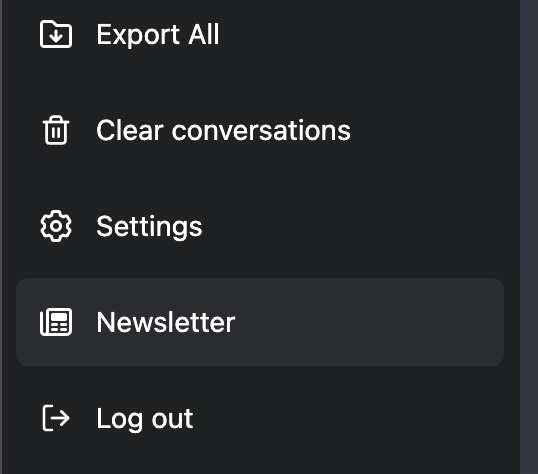
Newsletter
With all the news around AI, I thought it would be a good idea to collect and share the best of them in one place. So I'm adding a newsletter. You can find all the previous versions of the newsletters by clicking on the newsletter button on the left sidebar. The first version is released with this update.
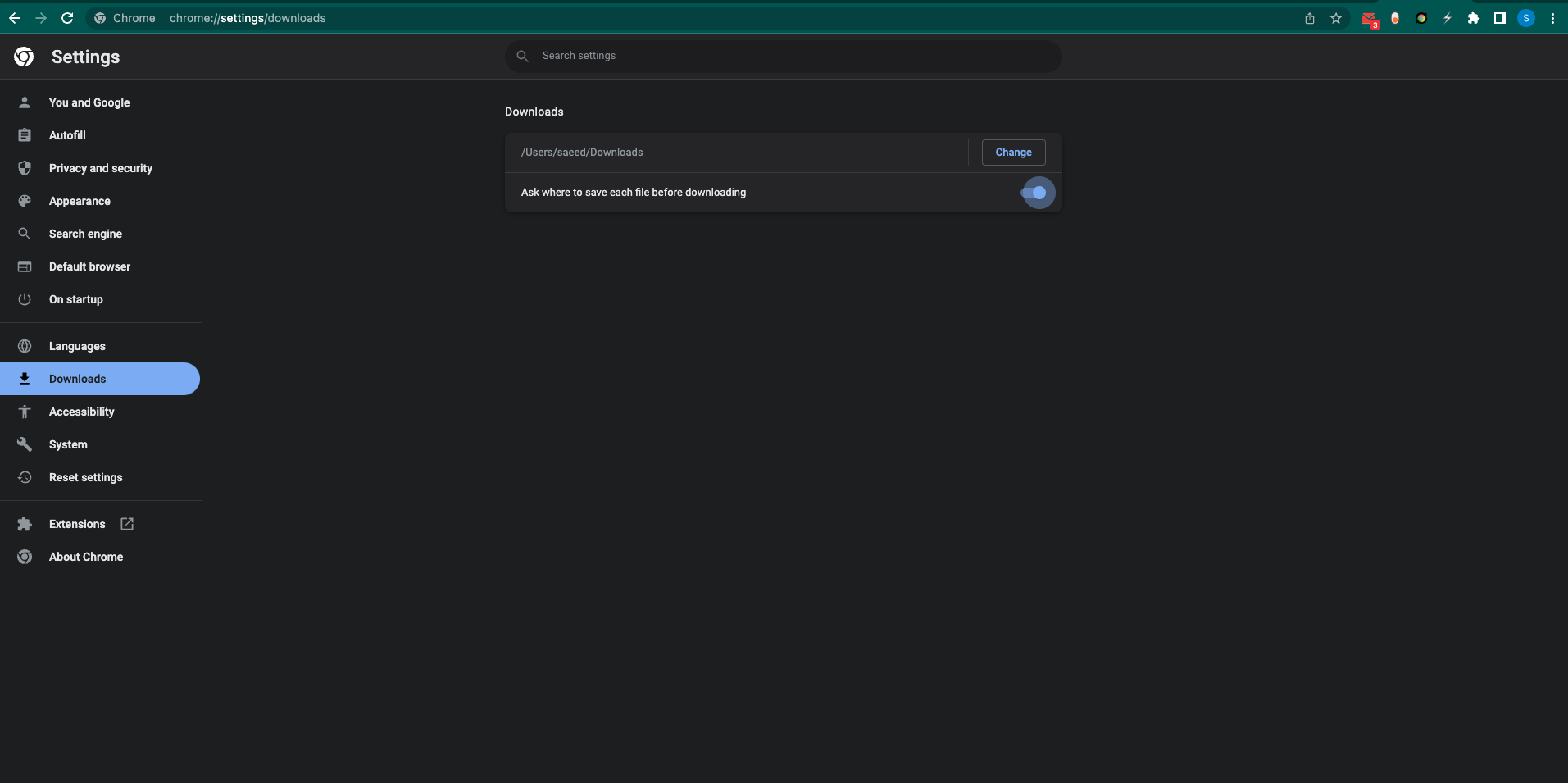
Tip
If you want to change the default download location for the "export" and "export all" features, go to chrome://settings/downloads in your browser and adjust the setting based on your preference.
P.S. I'm now accepting sponsors for this extension. To learn more about how you can sponsor this extension visit here.
If you enjoy using this extension, please consider leaving us a review on Chrome Web Store.
 Add to Firefox