

Release details
🎉 Version 2.0.0 is finally released 🎉
Over the past few weeks, I've been working on a major update to this extension. This update includes a lot of new features and improvements. Here are some of the highlights:
The biggest change in version 2.0.0 is the addition of Synced Chats. With synced chats, a copy of all your chats is now saved locally on your computer. Your chats are still saved on the OpenAI database too, but now you can access them much faster even when ChatGPT experiencing high demands.
Synching your conversations happens automatically in the background. You don't have to do anything. To prevent getting rate-limited by OpenAI, syncing happens very slowly (1 conversation every 20 seconds). Depending on how many conversations you have, synching may or may not take a while. If you have a lot of chats, I'd recommend leaving the ChatGPT window open while you are not using it until all the chats are synced.
While your conversations are being synced, you can still use ChatGPT as usual. To make it easier for you to know when conversations are synced, I have added a small indicator at the bottom-left side of the window.
Synching conversations
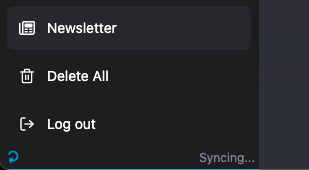 Conversation are synched
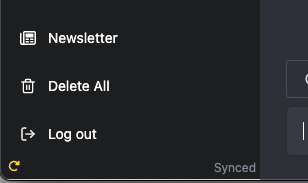
To manually sync your conversations, you can click on the sync (rotating arrow) button at the bottom-left side of the window. This will force sync all your conversations. This is useful if you want to make sure all your conversations are synced before you close the window.
The reason I spent the past few weeks working on the sync feature is that by having a local copy of your conversations, you can now do a lot of things that were not possible before. For example, you can now:
- Get rate-limited by OpenAI less often since you don't have to make as many API calls as before
- Search your conversation history - just scroll up on the sidebar to see the search box
- Export all your conversation at a fraction of the time it took before
- Select and delete a group of conversations instead of deleting them one by one.
- Delete conversations or edit their titles without selecting the conversation
- Use Markdown and code highlighting to format your input. Previously, only the ChatGPT response supported the markdown format. Now, the user input also supports the markdown format.
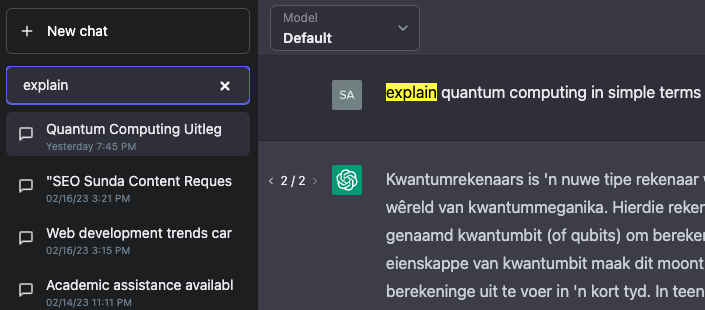
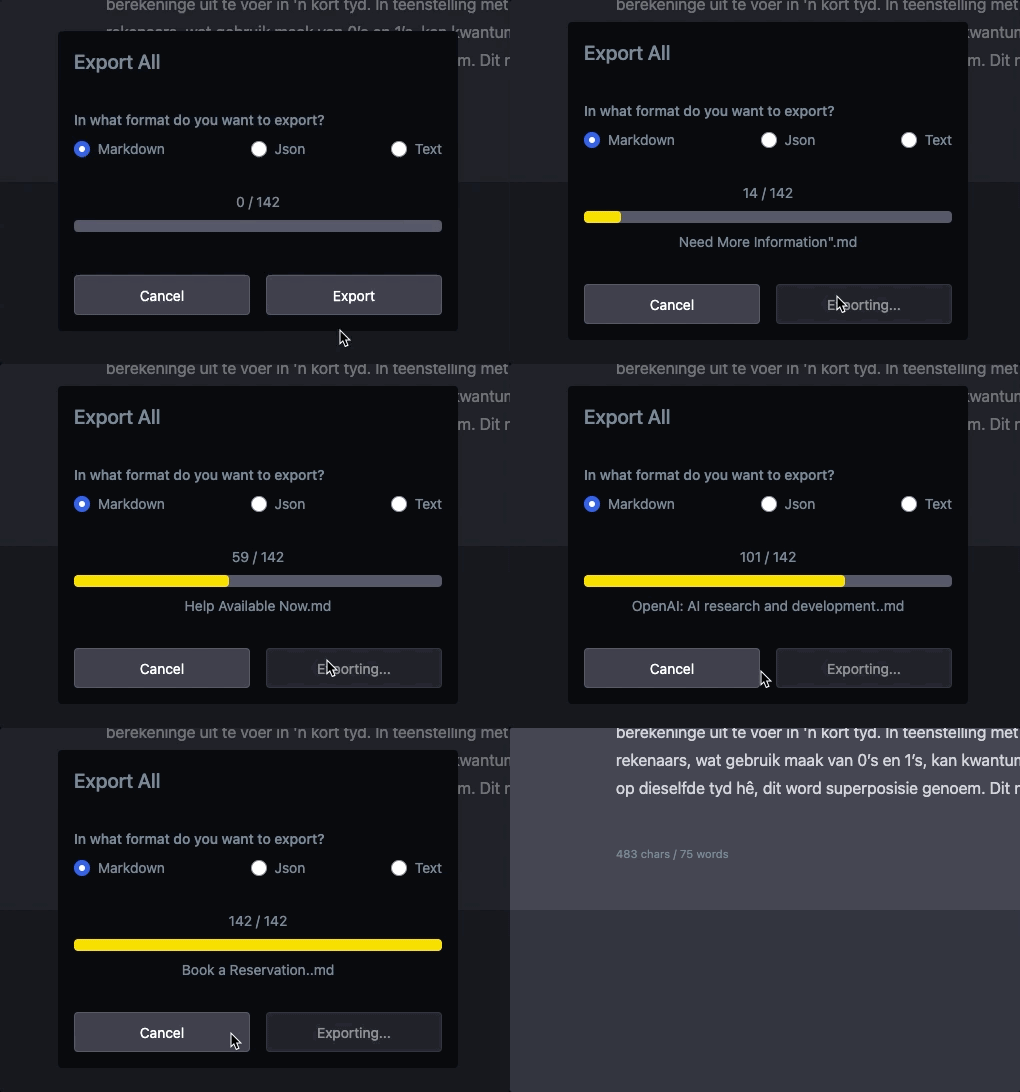
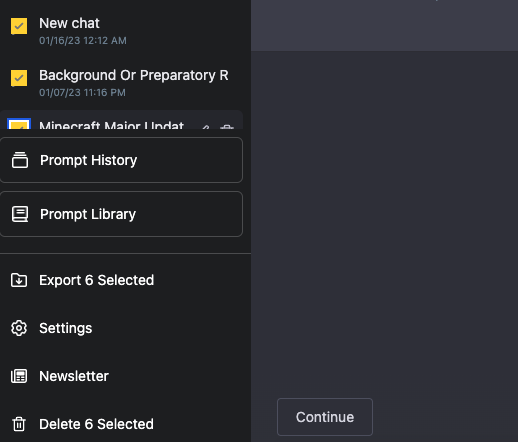
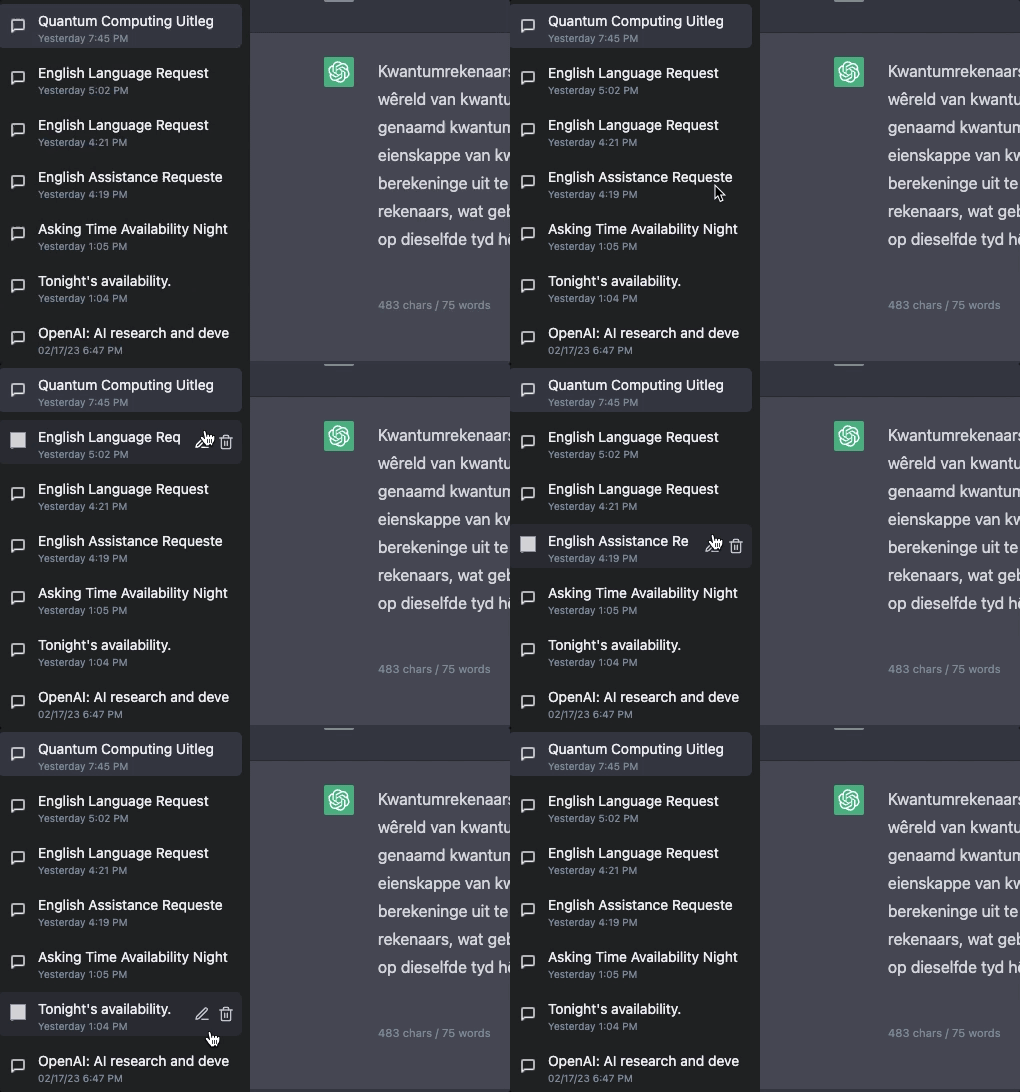
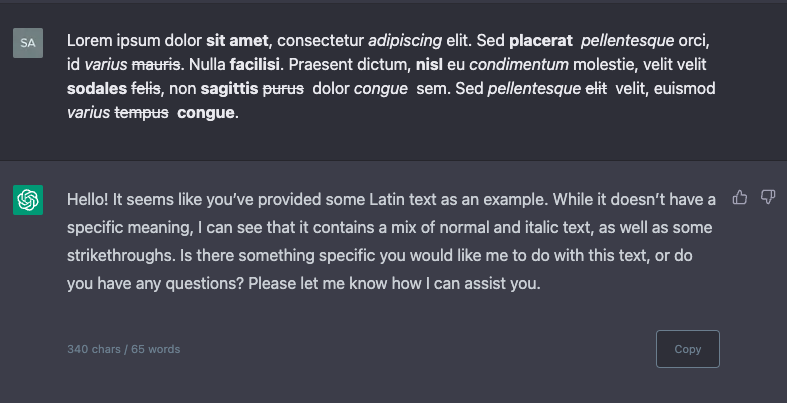
Please remember, all the above features only work when your conversation is fully synced.(look at the indicator at the bottom of the sidebar)
On top of the above features, I have also added a lot of other improvements and new features. Here is a list of all the changes:
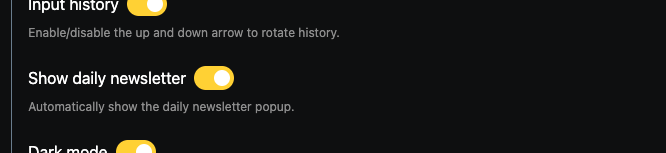
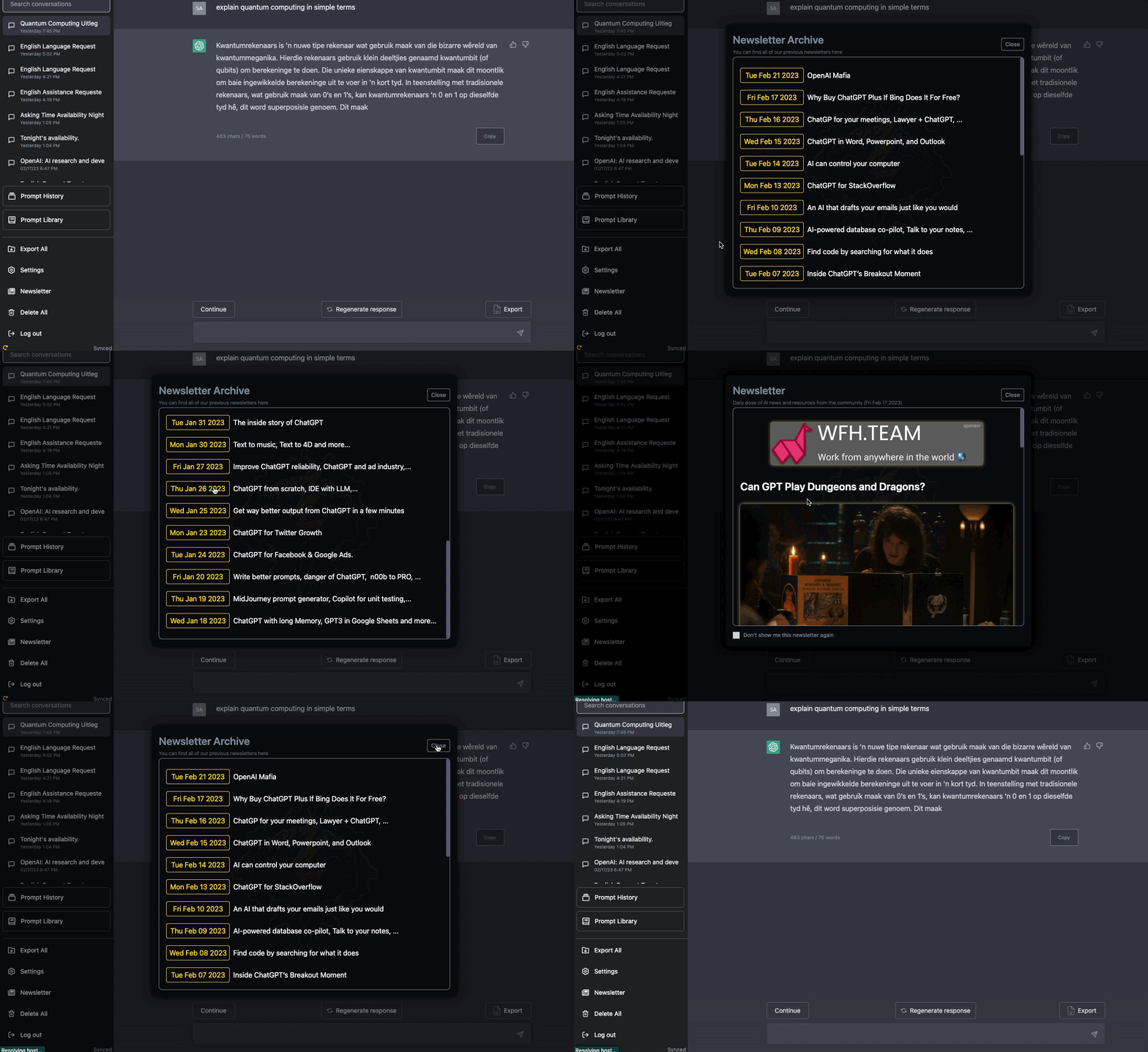
- You can now disable the Newsletter automatic popup. To do this, select the checkbox at the bottom of the newsletter popup or toggle the switch in the setting menu. You can always change this option later. You can also always access all the previous newsletters from the newsletter button on the sidebar
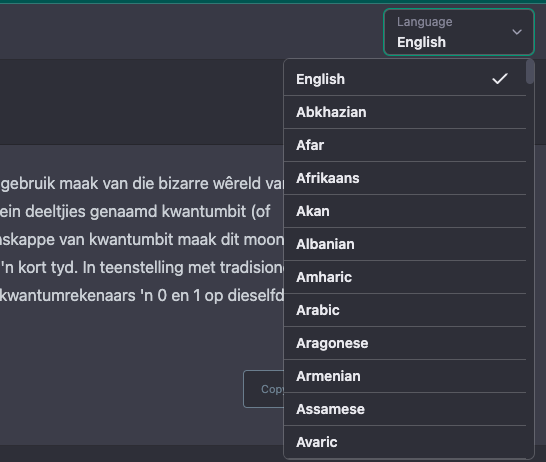
- Language selector - You can now select the language of your output. This is useful if you want to translate the output into another language. On top of that, both the input box and chat result now have much better support for RTL languages. To use ChatGPT default language and prevent adding language instructionto your prompt, just select "ChatGPT Default"
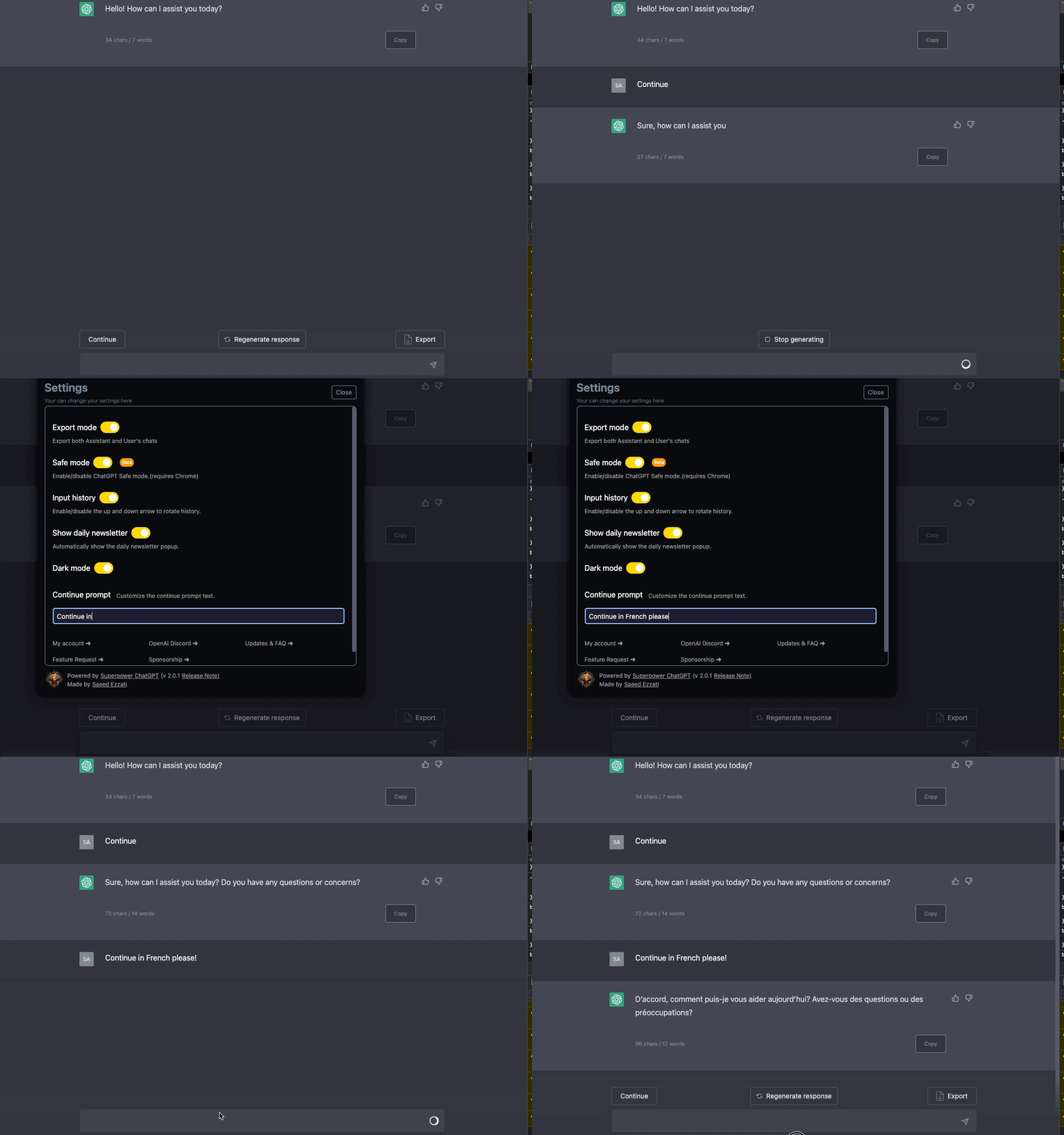
- You can now customize the Continue button in the settings menu
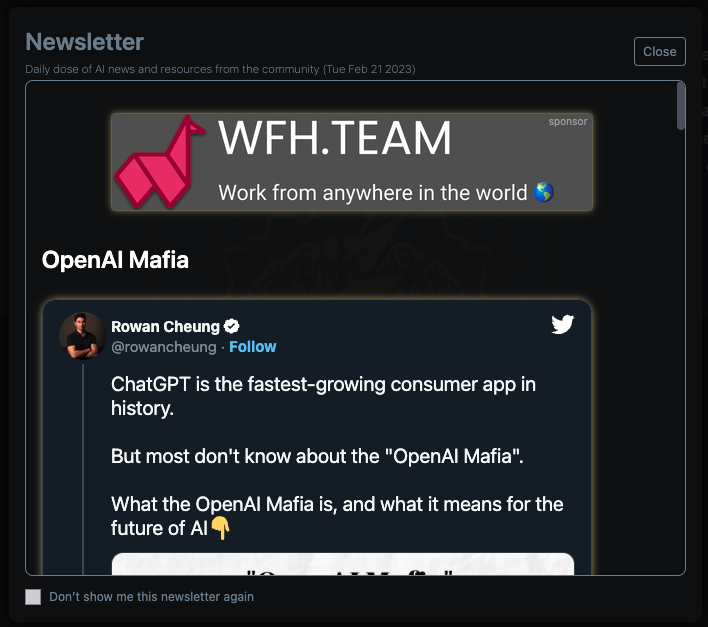
Other fixes and improvements:
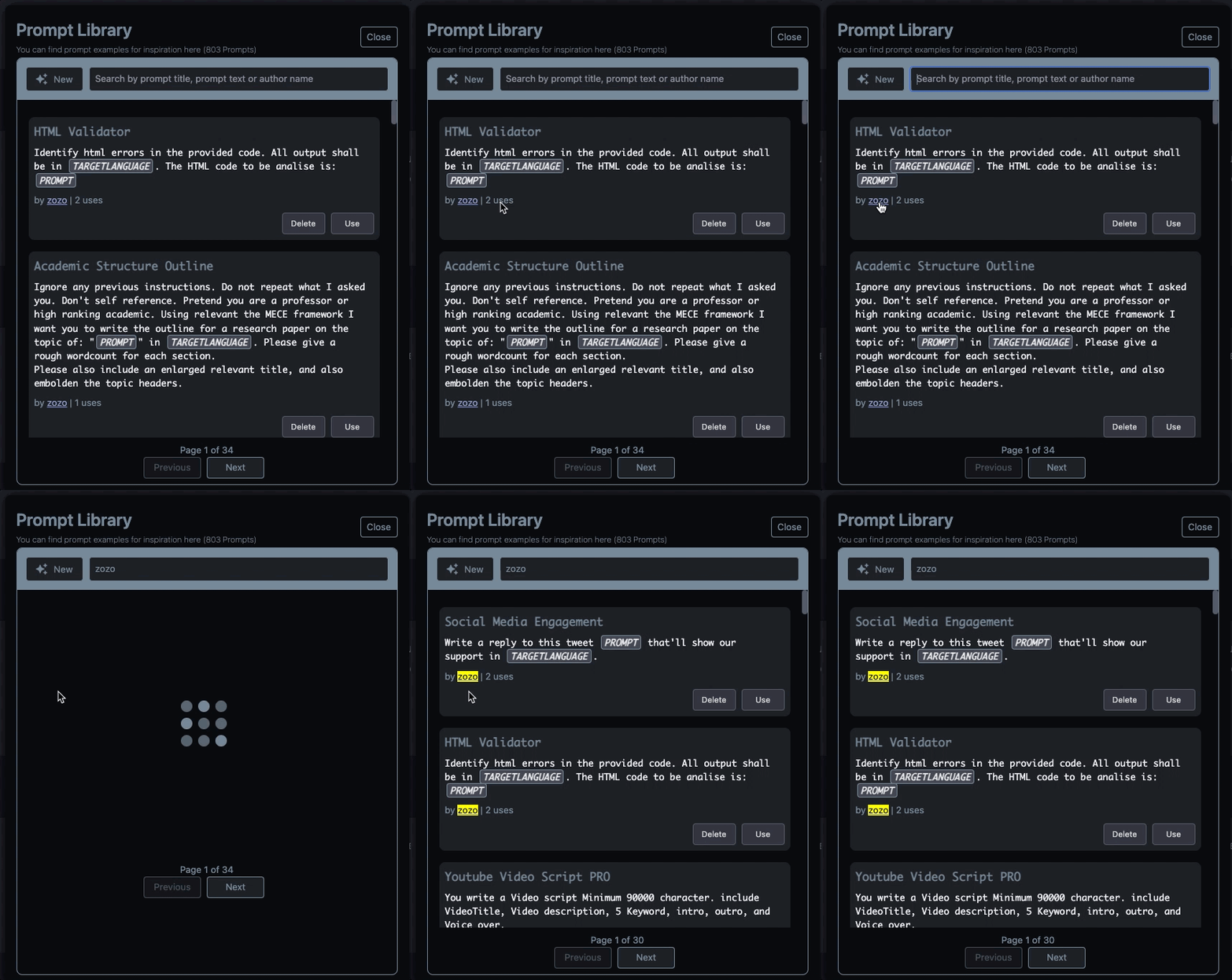
- Added page number to the prompt library
- You can now search prompts by the Author's name. Simply type the author's name in the search box, or just shift+click on the author's name in prompt to quickly search that author's prompts
- Added hundreds of new prompts
- Improved the "copy with formatting" button
- Moved the upgrade button into the setting menu to declutter the sidebar
- Prevent code block header text (copy code and language) from getting copied when clicking on the copy button
ChatGPT Plus specific improvements Plus
- Moved "my account" to the settings menu
- Moved the model switcher into the top nav bar - you can now change the model anytime without leaving the chat
P.S. I'm now accepting sponsors for this extension. To learn more about how you can sponsor this extension visit here.
If you enjoy using this extension, please consider leaving it a review on Chrome Web Store or Mozilla Add-Ons Page.
 Add to Firefox