Superpower ChatGPT logo Superpower ChatGPT
Products
All features See every Superpower workflow. Tutorials Step-by-step guides for practical ChatGPT workflows. Demo Watch Superpower in action. Pricing Plans for personal and pro use. Giveaway Enter the monthly Pro subscription draw. Release notes See the latest product updates. Affiliate Earn rewards for referring Superpower. About The story behind the first ChatGPT extension. Contact Get support or book a demo.
Features
Folders and subfolders Create nested folders and customize where conversations belong. Bulk actions Select many chats, then move, archive, delete, or export together. Auto folders and cleanup Auto-organize Custom GPT chats and clean up old conversations. ChatGPT Search Search chats, prompts, images, notes, highlights, annotations, and more. Text highlights and annotations Save color-coded highlights with your own annotations from ChatGPT answers. Notes and global notes Keep per-chat notes, global notes, and a searchable note manager. Pinned messages Keep important messages easy to find inside long chats. Prompt History Save, revisit, and reuse the prompts that already worked. Prompt manager Save prompts in folders, favorites, filters, and slash access. Prompt Chains Run repeatable multi-step prompt workflows from inside ChatGPT. Prompt variables Use dynamic variables in reusable prompt templates. Prompt optimizer Improve prompts with one click and save better versions. Message queue Queue, edit, reorder, and pause prompts while ChatGPT responds. Right-click prompt menu Run favorite prompts and screenshots from any website. Tree map See branched ChatGPT conversations as a visual map. Minimap See the shape of long chats without scrolling the whole thread. Image gallery Browse generated images, charts, uploads, prompts, and sources. Superpower Showcase Publish public or unlisted AI image galleries with downloads, prompt recipes, and creator profiles. Enhanced GPT Store Browse, sort, and manage GPTs with a more useful discovery layer. Reference chats Attach past conversations as context for a new chat. Instruction profiles Switch between saved ChatGPT instruction profiles. Conversation audio player Listen to full chats or single messages with playback controls, transcripts, voices, delays, and MP3 downloads. Download audio Save ChatGPT responses as audio files. Block ChatGPT Ads Hide sponsored ad cards from ChatGPT responses on Free and Pro. Voice mode Talk to ChatGPT while keeping the conversation visible. Export conversations Export chats, folders, selected messages, or all conversations. Print conversations Print conversations in the original style or polished templates.
Solutions
For Students Keep class research, drafts, and study prompts organized by course. For Researchers Reference prior chats, export notes, and preserve research trails. For Writers Manage writing prompts, drafts, and reusable style workflows. For Teams Create repeatable AI workflows without losing context across chats. For Professionals Turn daily ChatGPT work into searchable, reusable workflows. For Business Owners Keep strategy, customer, marketing, and operations chats organized. For Consultants Manage client research, reusable frameworks, notes, and exports. For Developers Save coding prompts, debug threads, architecture notes, and fixes. For Marketers Reuse campaign prompts, research, content workflows, and brand context.
Resources
Prompts Browse public ChatGPT prompts and prompt packs. Custom instructions Browse reusable ChatGPT custom instruction examples. Free tools Map, export, print, and summarize public ChatGPT shares. Discord Join the Superpower community and support channels. YouTube Watch walkthroughs, demos, and product tutorials. r/spchatgpt Discuss workflows, updates, and Superpower tips. Newsletter Get practical ChatGPT workflows and AI updates.
Gallery
All images Browse public AI image galleries. Creators Find creators sharing reusable image work. Best practices Learn how to publish stronger Showcase galleries. Art & Illustration Digital art, Concept art, Anime & comics Design & Branding Logos, Posters, Product mockups Photography Style Portraits, Lifestyle, Product photography Characters People, Avatars, Mascots Nature & Animals Pets & wildlife, Landscapes, Plants & flowers Architecture & Interiors Interiors, Buildings, Real estate Fashion & Beauty Outfits, Beauty, Accessories Food & Drink Recipes, Product shots, Restaurants Education & Diagrams Infographics, Technical diagrams, Learning visuals Marketing & Social Ads, Social posts, Memes Wallpapers & Patterns Abstract wallpapers, Patterns, Textures UI & Apps App screens, Dashboards, Websites Other Browse public galleries. Creator dashboard Manage shares, downloads, sales, and your public profile.
Chrome logo Add to Chrome — it's free
Superpower ChatGPT logo Superpower ChatGPT
Products
All features See every Superpower workflow. Tutorials Step-by-step guides for practical ChatGPT workflows. Demo Watch Superpower in action. Pricing Plans for personal and pro use. Giveaway Enter the monthly Pro subscription draw. Release notes See the latest product updates. Affiliate Earn rewards for referring Superpower. About The story behind the first ChatGPT extension. Contact Get support or book a demo.
Features
Folders and subfolders Create nested folders and customize where conversations belong. Bulk actions Select many chats, then move, archive, delete, or export together. Auto folders and cleanup Auto-organize Custom GPT chats and clean up old conversations. ChatGPT Search Search chats, prompts, images, notes, highlights, annotations, and more. Text highlights and annotations Save color-coded highlights with your own annotations from ChatGPT answers. Notes and global notes Keep per-chat notes, global notes, and a searchable note manager. Pinned messages Keep important messages easy to find inside long chats. Prompt History Save, revisit, and reuse the prompts that already worked. Prompt manager Save prompts in folders, favorites, filters, and slash access. Prompt Chains Run repeatable multi-step prompt workflows from inside ChatGPT. Prompt variables Use dynamic variables in reusable prompt templates. Prompt optimizer Improve prompts with one click and save better versions. Message queue Queue, edit, reorder, and pause prompts while ChatGPT responds. Right-click prompt menu Run favorite prompts and screenshots from any website. Tree map See branched ChatGPT conversations as a visual map. Minimap See the shape of long chats without scrolling the whole thread. Image gallery Browse generated images, charts, uploads, prompts, and sources. Superpower Showcase Publish public or unlisted AI image galleries with downloads, prompt recipes, and creator profiles. Enhanced GPT Store Browse, sort, and manage GPTs with a more useful discovery layer. Reference chats Attach past conversations as context for a new chat. Instruction profiles Switch between saved ChatGPT instruction profiles. Conversation audio player Listen to full chats or single messages with playback controls, transcripts, voices, delays, and MP3 downloads. Download audio Save ChatGPT responses as audio files. Block ChatGPT Ads Hide sponsored ad cards from ChatGPT responses on Free and Pro. Voice mode Talk to ChatGPT while keeping the conversation visible. Export conversations Export chats, folders, selected messages, or all conversations. Print conversations Print conversations in the original style or polished templates.
Solutions
For Students Keep class research, drafts, and study prompts organized by course. For Researchers Reference prior chats, export notes, and preserve research trails. For Writers Manage writing prompts, drafts, and reusable style workflows. For Teams Create repeatable AI workflows without losing context across chats. For Professionals Turn daily ChatGPT work into searchable, reusable workflows. For Business Owners Keep strategy, customer, marketing, and operations chats organized. For Consultants Manage client research, reusable frameworks, notes, and exports. For Developers Save coding prompts, debug threads, architecture notes, and fixes. For Marketers Reuse campaign prompts, research, content workflows, and brand context.
Resources
Prompts Browse public ChatGPT prompts and prompt packs. Custom instructions Browse reusable ChatGPT custom instruction examples. Free tools Map, export, print, and summarize public ChatGPT shares. Discord Join the Superpower community and support channels. YouTube Watch walkthroughs, demos, and product tutorials. r/spchatgpt Discuss workflows, updates, and Superpower tips. Newsletter Get practical ChatGPT workflows and AI updates.
Gallery
All images Browse public AI image galleries. Creators Find creators sharing reusable image work. Best practices Learn how to publish stronger Showcase galleries. Art & Illustration Digital art, Concept art, Anime & comics Design & Branding Logos, Posters, Product mockups Photography Style Portraits, Lifestyle, Product photography Characters People, Avatars, Mascots Nature & Animals Pets & wildlife, Landscapes, Plants & flowers Architecture & Interiors Interiors, Buildings, Real estate Fashion & Beauty Outfits, Beauty, Accessories Food & Drink Recipes, Product shots, Restaurants Education & Diagrams Infographics, Technical diagrams, Learning visuals Marketing & Social Ads, Social posts, Memes Wallpapers & Patterns Abstract wallpapers, Patterns, Textures UI & Apps App screens, Dashboards, Websites Other Browse public galleries. Creator dashboard Manage shares, downloads, sales, and your public profile.
Chrome logo Add to Chrome — it's free
  1. Home
  2. Showcase
  3. Creators
  4. Creator 245049
  5. Herramientas para registros contables

Published

Gallery is live.

https://spchatgpt.com/showcase/245049/EyYjgDUuKrMw/

Next: open your dashboard to finish your profile, payouts, and gallery analytics.

Open dashboard
Share

Preview only This gallery is not public yet. Return to the extension to publish when it looks right.
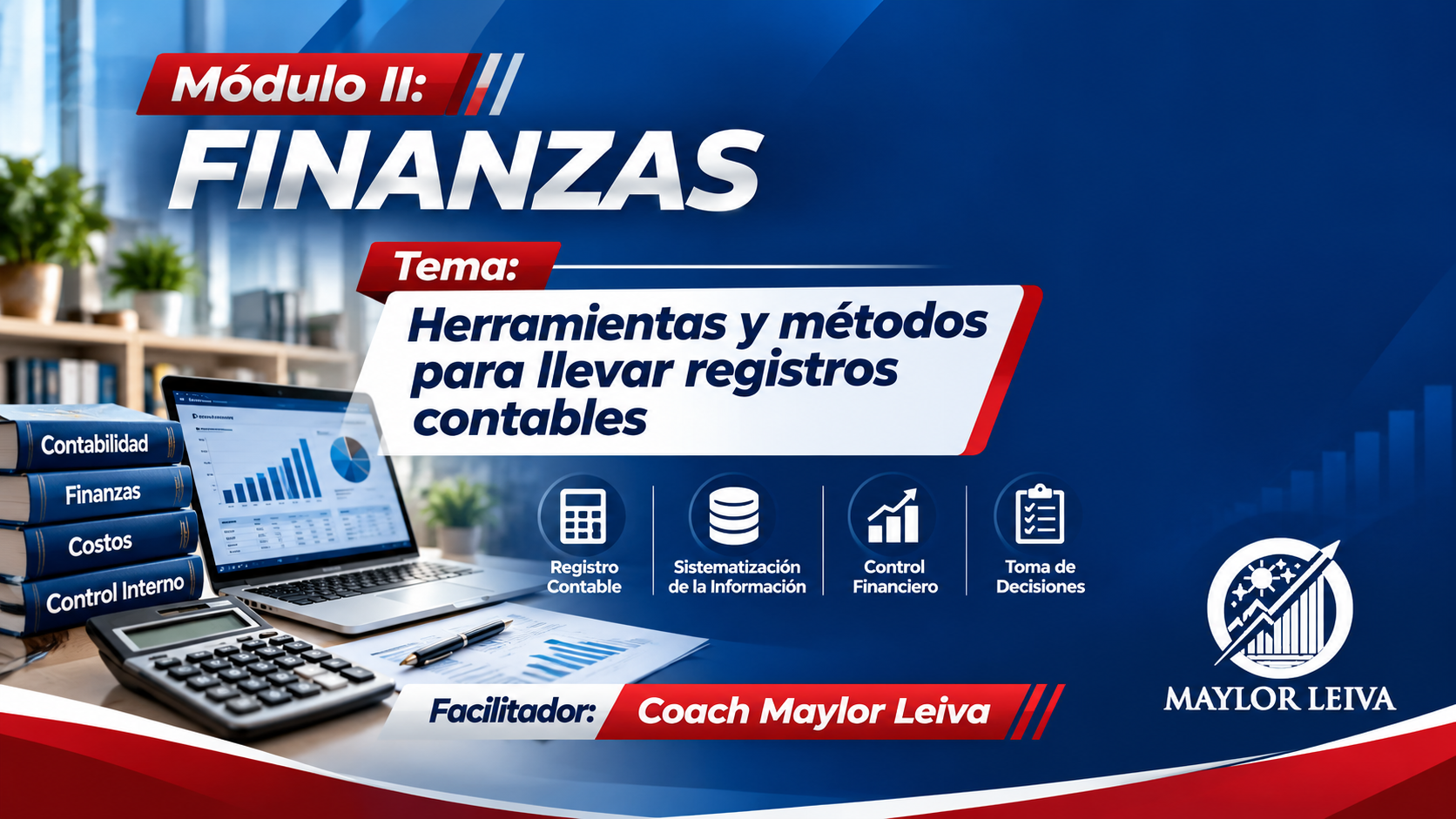
Actúa como un director de arte, diseñador gráfico corporativo y especialista en presentaciones profesionales de alto impacto. **OBJETIVO** Genera directamente una imagen profesiona

Reviews

Gallery reviews

No gallery ratings yet

No reviews yet.

Education & Diagrams › Learning visuals

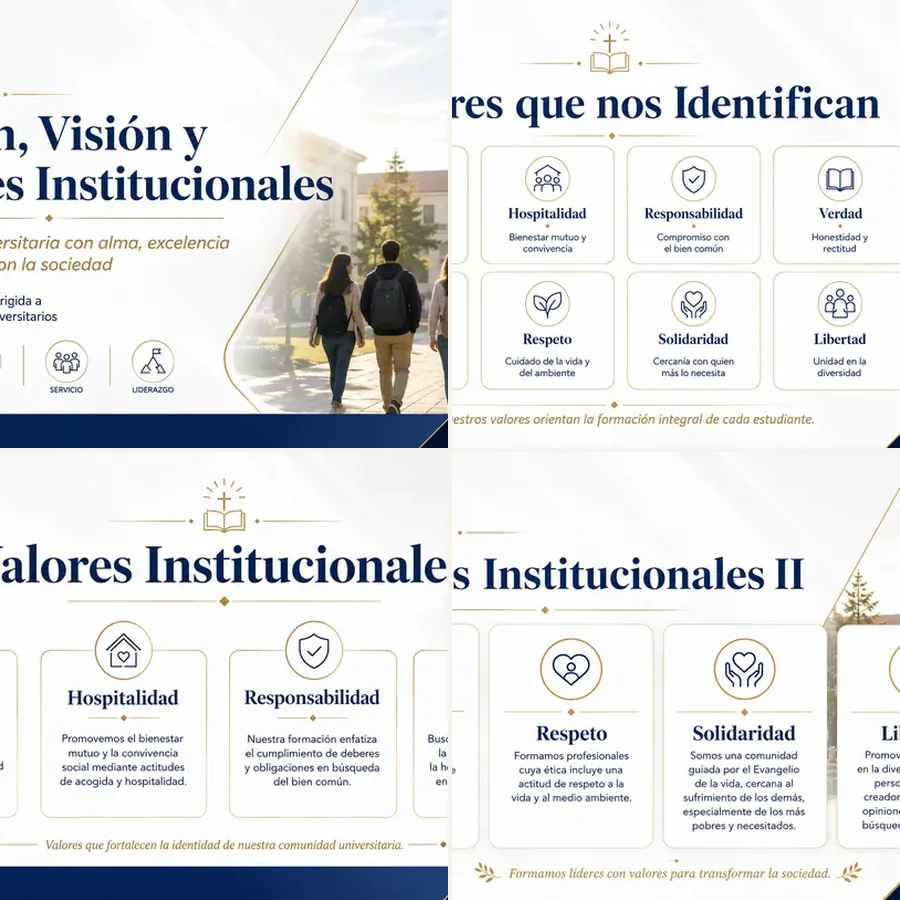
Herramientas para registros contables

View Herramientas para registros contables, a free image gallery shared by Creator 245049 in Learning visuals. Browse the images, creator notes, and reusable AI image workflow.

added last week

Shared by Creator 245049
7 views
★★★★★ 0 reviews
Accounting EducationFinancial RecordsBookkeeping ToolsBusiness TrainingProfessional DevelopmentPresentation SlideCorporate Design
What do I get when I buy a prompt?

Prompt

827 words
Actúa como un director de arte, diseñador gráfico corporativo y especialista en presentaciones profesionales de alto impacto. **OBJETIVO** Genera directamente una imagen profesional en formato horizontal de **1920 × 1080 píxeles**, diseñada para utilizarse como diapositiva en una presentación de PowerPoint y para transmitirse posteriormente en redes sociales. No entregues explicaciones, recomendaciones, descripciones ni un prompt adicional. El resultado final debe ser únicamente la imagen solicitada. **CONTEXTO VISUAL** La imagen debe combinar una estética relacionada con: - Educación - Formación profesional - Innovación - Liderazgo - Mundo empresarial - Desarrollo corporativo El diseño debe transmitir profesionalismo, confianza, modernidad, autoridad, conocimiento y alto valor educativo. **LÍNEA GRÁFICA Y COLORES** Utiliza una línea visual corporativa, elegante, moderna y coherente. Paleta principal obligatoria: - Azul INTENSO - ROJO  - Blanco Puedes emplear degradados, transparencias, iluminación sutil, elementos geométricos, líneas, marcos, iconografía, fotografías o ilustraciones realistas, siempre que mantengan una apariencia profesional y empresarial. Evita colores demasiado brillantes, infantiles o que no correspondan con una presentación corporativa. **LOGO** Incorpora en la imagen el archivo adjunto denominado **“LOGO”**, entregado en formato PNG. El logo debe: - Mantener sus proporciones originales - Ser claramente visible - Integrarse de manera elegante con el diseño - No deformarse - No perder calidad - No quedar oculto por otros elementos - Ubicarse preferiblemente en una esquina inferior o en una zona estratégica que no interfiera con el contenido **ESPACIO PARA CÁMARA** Reserva obligatoriamente un espacio en la **parte superior derecha** de la imagen. **Ancho:** 445 px; **Alto:** 315 px En esa zona se colocará posteriormente una cámara circular con el rostro del presentador. Por lo tanto: - No coloques texto - No coloques títulos - No coloques imágenes importantes - No coloques iconos - No coloques el logo - No coloques elementos visuales que dificulten la visibilidad del rostro - Manten el mismo fondo de color en esta área, no pongas círculos, cuadros, si no que mantén el mismo fondo de la día positiva. **CONTENIDO DE LA DIAPOSITIVA** Integra visualmente la siguiente información: **[INSERTAR AQUÍ EL TÍTULO, TEXTO O CONTENIDO DE LA DIAPOSITIVA]** Convierte esta información en una composición visual clara, atractiva y fácil de comprender. No es obligatorio colocar todo el contenido como texto literal. Puedes sintetizarlo visualmente mediante: - Títulos - Subtítulos - Frases clave - Diagramas - Recursos gráficos - Iconos - Imágenes conceptuales - Escenas realistas - Infografías - Elementos corporativos Mantén siempre la fidelidad al mensaje original. **COMPOSICIÓN** Organiza la imagen utilizando una jerarquía visual profesional: 1. Título principal destacado 2. Mensaje central o idea principal 3. Recursos visuales relacionados con el tema 4. Elementos secundarios de apoyo 5. Logo integrado discretamente 6. Espacio superior derecho completamente libre para la cámara El contenido debe ser legible incluso cuando la imagen se visualice en una pantalla pequeña o se transmita por redes sociales. Utiliza márgenes seguros para evitar que los textos o elementos importantes queden demasiado cerca de los bordes. **ESTILO VISUAL** El estilo debe ser: - Corporativo - Educativo - Moderno - Elegante - Realista - Cinematográfico - Profesional - Minimalista, pero visualmente atractivo - Apropiado para ejecutivos, docentes, empresarios, estudiantes y profesionales Evita diseños genéricos, saturados, desordenados o con apariencia de plantilla básica. **CALIDAD DE TEXTO** Todo texto incluido en la imagen debe: - Estar escrito correctamente en español - Ser perfectamente legible - Tener buena ortografía - Mantener una jerarquía tipográfica clara - Utilizar fuentes modernas y profesionales - Tener suficiente contraste con el fondo
Creator

Creator 245049

★★★★★ No reviews yet
Shares
0
Images
0
Views
7
Likes
0
Downloads
0
Followers
0
View creator profile ➜

More from this creator

Keep browsing.

View creator profile ➜

Similar galleries

Explore related work.

Browse Showcase ➜
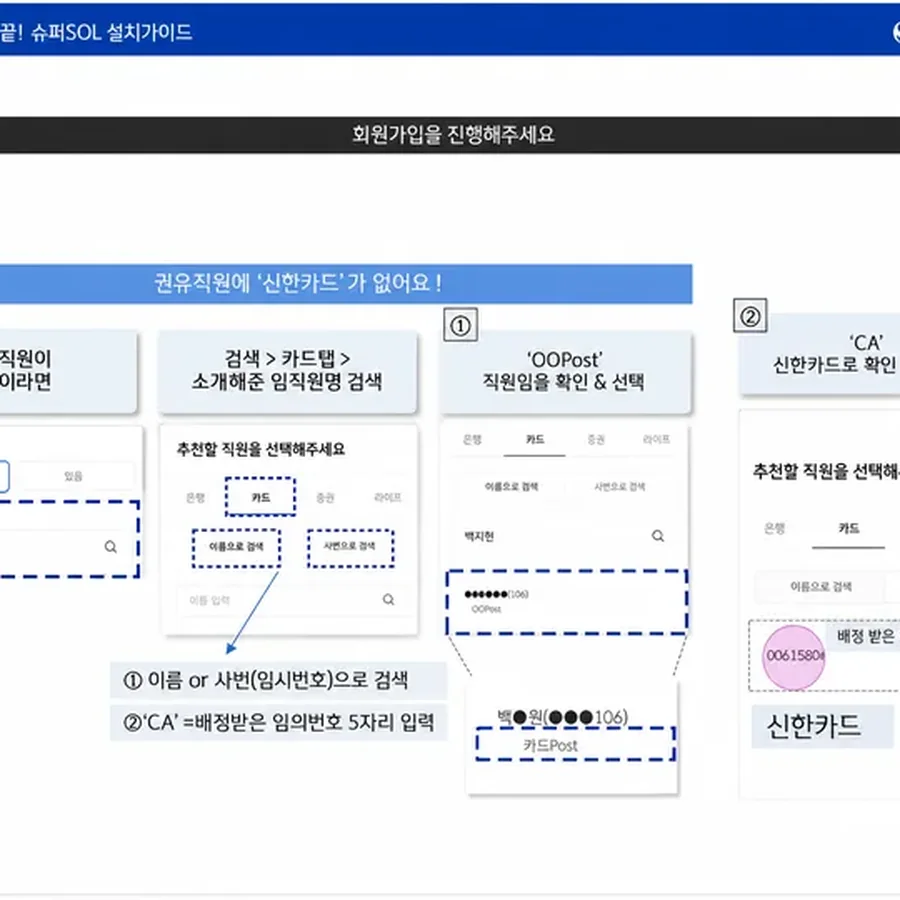
5분이면 참여 끝! 슈퍼SOL 설치가이드 Free 5분이면 참여 끝! 슈퍼SOL 설치가이드
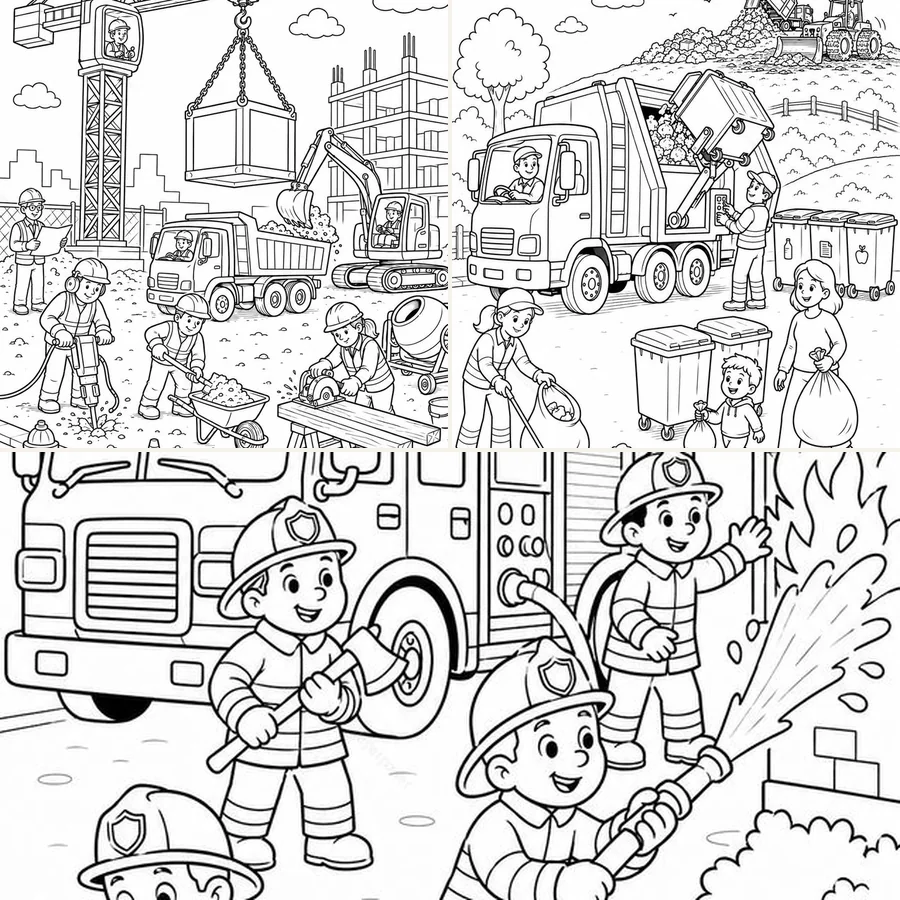
Community Helpers Coloring Pages for Kids – Firefighters, Garbage Truck & Construction Sit $2.99 USD Community Helpers Coloring Pages for Kids – Firefighters, Garbage Truck & Construction Sit
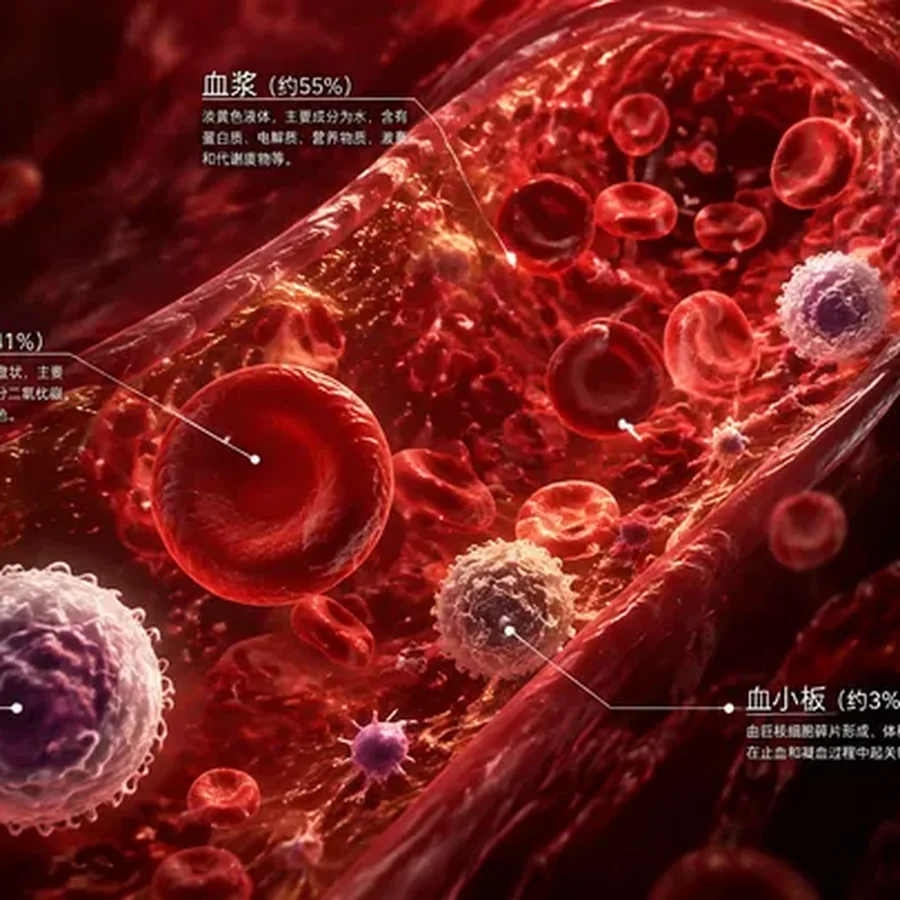
人体血液成分立体图解 Free 人体血液成分立体图解
Imagen generada Free Imagen generada

Creator tools

Turn ChatGPT images into a shareable gallery.

Publish image collections from Superpower, add prompts and notes, and give people a clean page to view or buy the full recipe.

Get Superpower for Chrome Creator dashboard Browse Showcase
Paid recipe $12

Reusable image prompt with subject, style, lighting, and composition notes.

{{subject}} {{style}} {{lighting}}
Superpower ChatGPT logo Superpower ChatGPT

A browser extension for organizing ChatGPT conversations, managing prompts, and building repeatable AI workflows.

Privacy Terms
System status

©2026 Superpower ChatGPT. All rights reserved

A FancyDino product, built by BayBold

Product

All features Prompts Custom instructions Free tools Tutorials Demo Pricing Release notes System status Extension checkup Chrome Web Store About

Features

Folders and subfoldersBulk actionsAuto folders and cleanupChatGPT SearchText highlights and annotationsNotes and global notesPinned messagesPrompt HistoryPrompt managerPrompt ChainsPrompt variablesPrompt optimizerMessage queueRight-click prompt menuTree mapMinimapImage gallerySuperpower ShowcaseEnhanced GPT StoreReference chatsInstruction profilesConversation audio playerDownload audioBlock ChatGPT AdsVoice modeExport conversationsPrint conversations

Use Cases

For StudentsFor ResearchersFor WritersFor TeamsFor ProfessionalsFor Business OwnersFor ConsultantsFor DevelopersFor Marketers

Gallery

All images Creators Best practices Creator dashboard Art & IllustrationDesign & BrandingPhotography StyleCharactersNature & AnimalsArchitecture & InteriorsFashion & BeautyFood & DrinkEducation & DiagramsMarketing & SocialWallpapers & PatternsUI & AppsOther

Community

Explore all pages Discord YouTube r/spchatgpt Newsletter Affiliate Affiliate terms 1 year free Pro subscription Contact